
Wish Tree is more than just the mesmerizing animation, it gives you Lucky Envelopes, Gold, and Renown. With the arrival of the Maji Market Luna New Year event, we have gotten plenty of interesting items, recipes, quests, and minigames to enjoy. However, all of them require you to spend either currency or time. This also takes time, but just a few minutes.
By reading Chayne’s mail, you must already know about the ribbon colors, but it doesn’t tell you where to find Wish Tree Dye Station in Palia. No need to worry, as here we have given the location and took you through the process of how you can get your wishes granted.
How to Get Wish Ribbons in Palia
Every real-world day you log in, you’ll receive mail from the Chayne, and a wish ribbon will be attached to it. Interact with the mailbox right outside your home and claim the item. You will know that you have new mail by the shining aura coming from the box. You cannot sell the ribbon, so visit the Maji Market and utilize it.
How to Dye Ribbons and Use Wish Tree
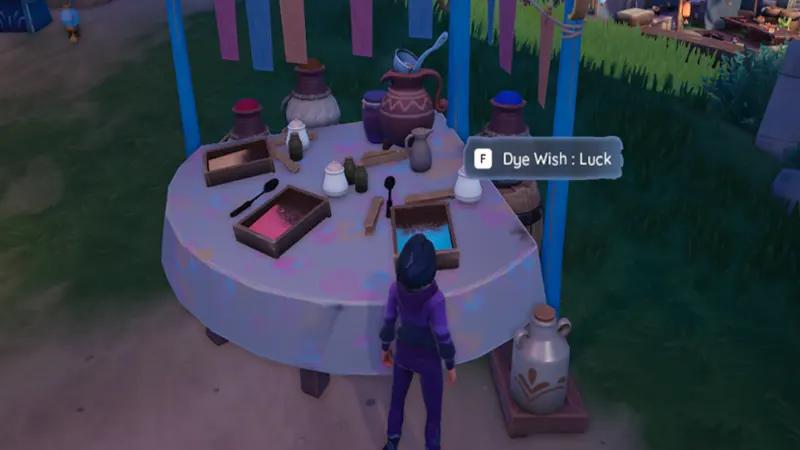
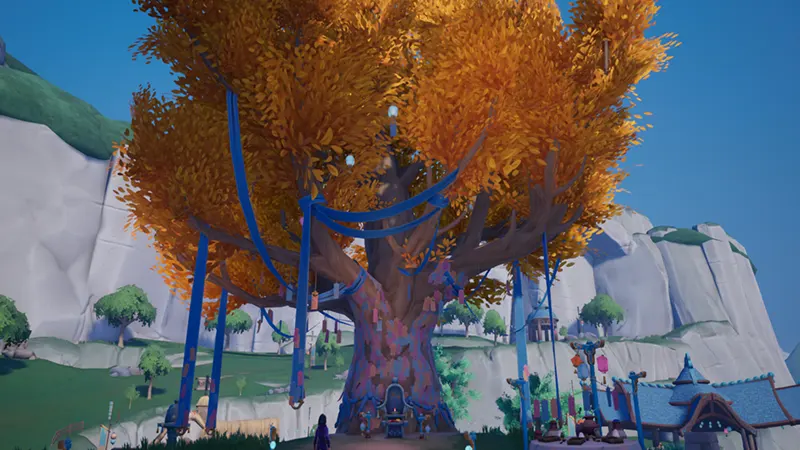
Once you have the ribbon, head to the Fairgrounds. It is in the southeast corner of the Kilima Valley map. You can also teleport there through fast travel. In the market, you will spot a majestic tree, with wishes hanging on it. While the market is active, you will also find the Chayne standing in front of it. On the right side of the tree, you will see an interactable table with three dye colors:
- Blue Dye Wish: Luck (Lucky Envelopes)
- Orange Dye Wish: Prosperity (Gold)
- Pink Dye Wish: Longevity (Renown)
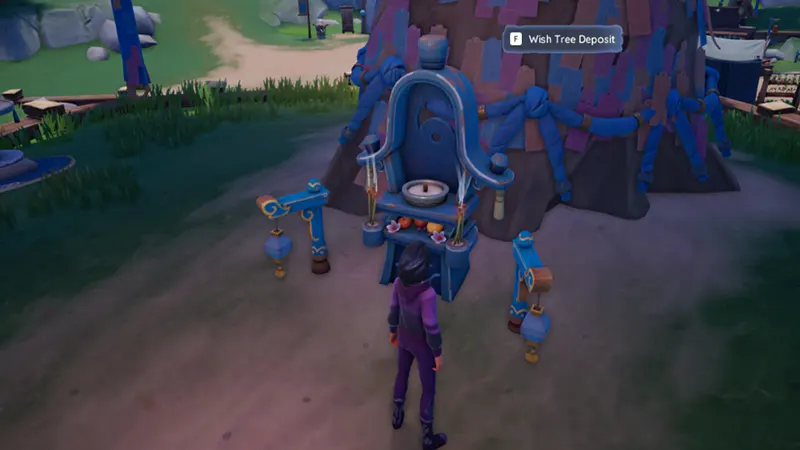
Use the dye for the item you want and head towards the tree. Now, you will see a Wish Tree Deposit option. Press F to use it, and you will see a special cutscene interaction.
How to Collect Rewards
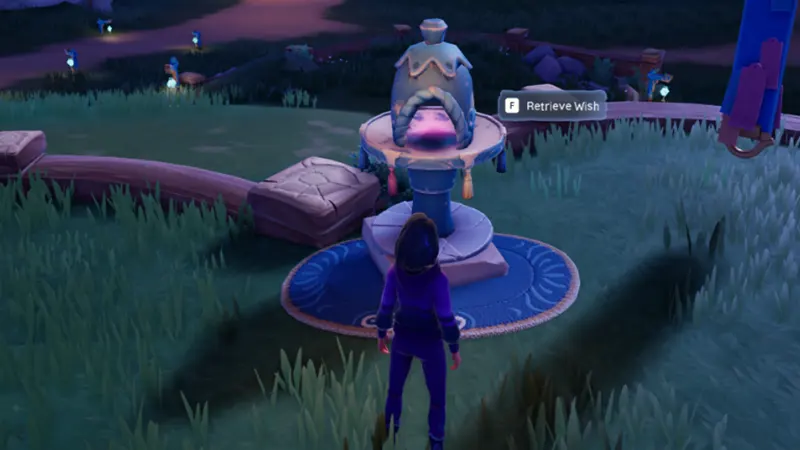
The process of dying and wishing can be done any time of the day, but to receive a reward you must visit the market when it is open. Once you are there, go near the tree, and turn left to find Retrieve Wish. Use it, and you will see another special cutscene interaction. Check your inventory to find the gift box.
That’s all you have to do to use Wish Tree Dye Station in Palia and get a gift box. For more topics from the event and game mechanism, check out our dedicated section. We cover everything from how to get Stripped Chapaa Tail to where you can find the Void Ray in this fantasy world.