
Valorant is the most hyped first-person Shooter game right now. Every famous game has small or big bugs and glitches which are fixed by the developers from time to time. There are few in Valorant as well. So if you ever come across error code val 39 in Valorant, here is everything about it and ways to fix it.
What Is Error Code VAL 39?
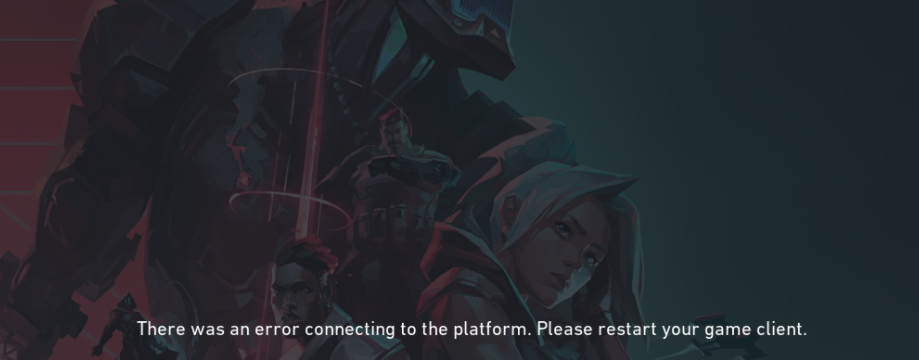
The error can occur either from the player’s or developer’s end. Since error 39 is from the developer’s end, you do not need to panic.
Error 39 usually occurs in Valorant due to a Server Connectivity issue. You might come across it while you are in queue to enter the game. This patch of the issue is faced by many players across the globe.
Valorant players often come across this error when the server is down. It can happen in any particular region or all over the world at the same time. Read further to know how you can fix Error Code VAL 39 in Valorant right now.
How To Fix Error Code VAL 39?
As it’s not from your end all you can do is wait patiently until it’s fixed by the developers. There are many glitches and bugs in every game. Every time developers drop a new patch to fix errors in the game the server goes down.
It can be fixed in 5 minutes or it can take more than 1 hour as well. Depends upon the size of the patch the time varies. All you can do meanwhile to check or confirm the error on the official Twitter handle of Valorant or its website.
Every time when the game is under maintenance it is notified on their Twitter handle or on the website sometimes. Check both things to make sure the error has occurred from whose end and wait for a while until Error Code VAL 39 in Valorant is fixed.
That’s all about error code val 39 in Valorant. Read another article about how to fix could not enter Matchmaking error in Valorant?