
Roblox is a fun platform that allows gamers to let their imagination run wild. Even though it initially came out back in 2006, there has been no dip in its popularity since then. It has games like Shindo Life, Rise of Nations, and Deepwoken that can keep players hooked for hours. Moreover, it is a platform that has something for everyone. However, how do you install the Roblox Player EXE to get started? This Roblox Player EXE Download Guide will help you get started.
How To Download Roblox Player EXE?
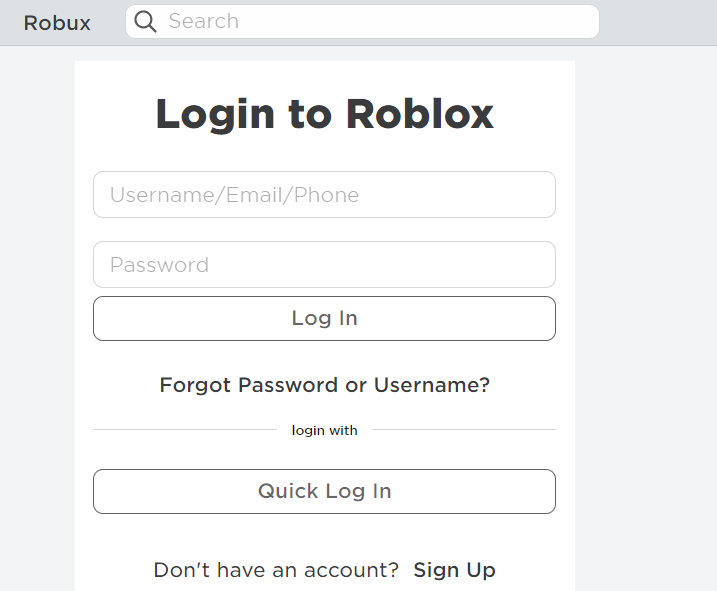
Downloading Roblox Player EXE (robloxplayer.exe) is not a very complicated process. To get started with Roblox, players must first create an account on the official Roblox website. Players that already have a Roblox account can simply choose to log in by entering their details. However, new users must sign up before they can start enjoying the multitude of games offered by Roblox.
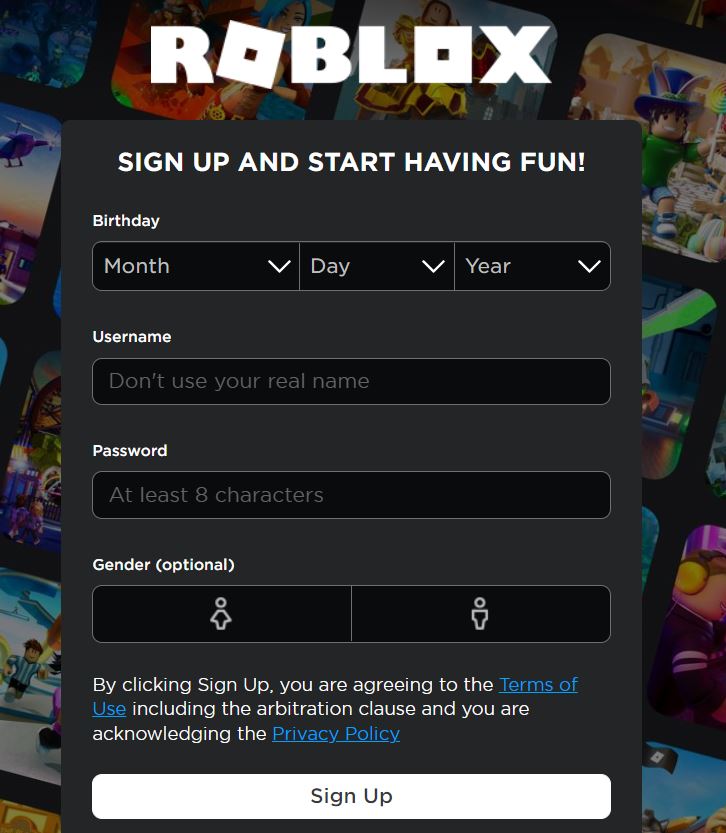
To sign up players just need to follow the process. First, they will be asked to input their date of birth followed by a username that they wish to use (It is recommended not to use your real name here). Next, players will have to choose an eight-character long password for their Roblox account.
Once this is done players will be asked to input their gender. This is an optional entry though and players can choose to skip if they are not comfortable revealing their gender. Now, players just have to click Sign Up to complete the process.
After logging in to Roblox, players can browse through the long list of games to choose one. Once they click on the particular game, Roblox Player EXE (robloxplayer.exe) will start downloading automatically. Download the file from the bottom of the web browser.
Players only need to click Run when asked and click OK once the installation finishes. The Roblox Player EXE will now be downloaded. Players can now return to the Roblox website and pick any game they wish to play. We hope this Roblox Player EXE Download Guide was helpful to you.
For more Roblox, check out How To Unban Roblox Account?