
Pokemon Showdown is a battle simulator site where players can compete against opponents in various match formats. There are a number of useful commands that can help you on the site. These commands can perform a number of functions from changing your username to forfeiting a match in Pokemon Showdown.
Let us take a look at them below.
Pokemon Showdown Commands
While there are a lot of commands in Pokemon Showdown, we have put together a list of the most useful ones below. These commands cover all the basic functions that you might need to perform. Let us take a look at them below.
- /nick [username]: Change the username.
- /avatar [name]: Changes the avatar to one of the default ones on Showdown
- /rating, /rank, /ranking, /ladder, /rating, [username]: Check the ranking on the ladder(s) of the server you are in.
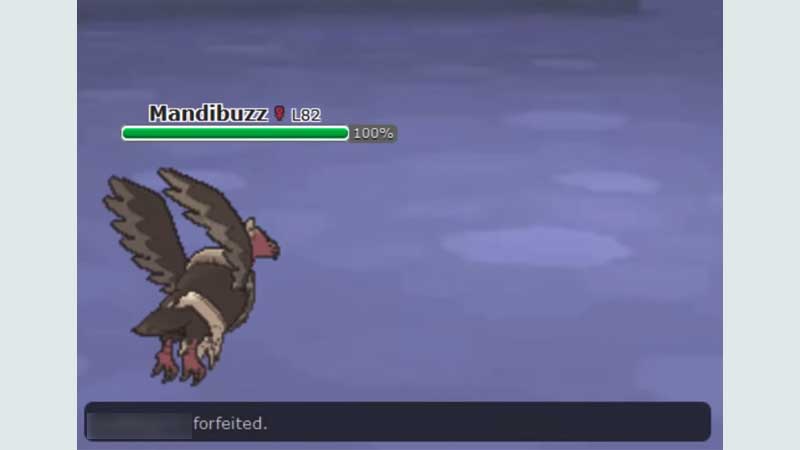
- /forfeit: Forfeits the match you are in.
- /whois, /whois [username]: Gets inofrmation about a user.
- /msg [username], [message] OR /w [username], [message]: Private messages the username with the message.
- /reply [username]: Sends a message to the last person in conversation.
- /ignore [username]: Ignores a user, blocking all messages and PMs.
- /away OR /idle: Ignores all challenges and PMs
- /back: Reverses /away.
- /highlight [word], /highlight list, /highlight delete, [word], /highlight delete: Adds a word to highlight list, Shows highlight list, Deletes a word from highlight list, Deletes highlight list.
- /tour join: Joins the current tournament.
- /tour leave: Leaves tournament.
- /auth: Displays global and room auth
- /roomauth: Displays the auth in the room.
- /inv, /invite [username], [room]: Invites user to join a room in PM.
- spoiler: [message]: Produces a grayed out message area that requires users to hover over to see message.
- /statcalc [level] [base stat] [IVs] [nature] [EVs] [modifier]: Calculates actual stat of a Pokemon.
- /blockpms: Block all PMs.
- /unblockpms: Undoes blockpms.
- /blockchallenges: Blocks challenges
- /unblockchallenges: Undoes blockchallenges.
- /clear: Clears the chat log.
- /me [message]: Displays yourself talking the in third person:
- Mewderator is writing.
- /friend add [username] OR /friend [username]: Adds a friend.
This is a list of all the useful Pokemon Showdown commands. For more Pokemon Showdown guides, check out Pokemon Showdown: How To Do 2v2 Doubles?