
Pokemon Showdown is a battle simulator site where players can battle their Pokemon against opponents in a variety of formats from different Generations. The 2v2 doubles format in Pokemon Showdown is where players can create a team of 4 Pokemon to compete against opponents. While it is a fairly straightforward to play a 2v2 doubles match, we have explained the process of doing so for players that may have some doubts.
How To Do 2v2 Doubles In Pokemon Showdown?
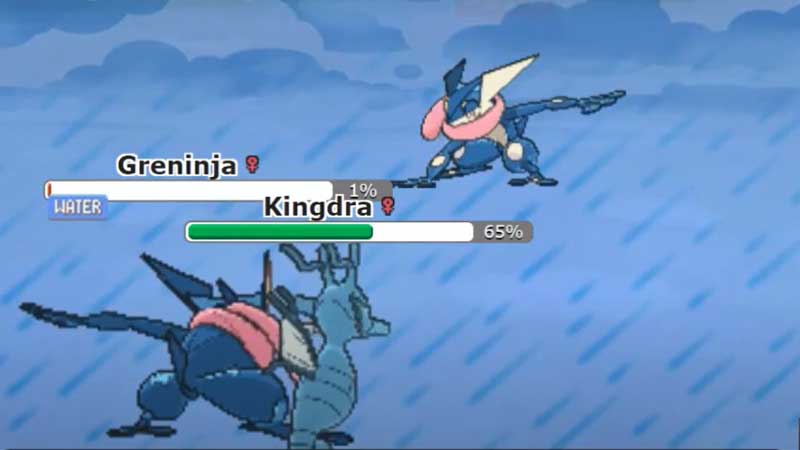
You can compete in a 2v2 doubles battle by selecting this format from the list given on the site. In 2v2 format, you get to battle with 4 Pokemon on your team. However, they can only send two of the Pokemon from their team to battle against two Pokemon from the opponent. You will have to make your opponent’s Pokemon faint to win.
Let us take a look at the steps to start a 2v2 doubles match in Showdown.
- First, go to the Pokemon Showdown site.
- Now, select the 2v2 doubles option from the Format list.
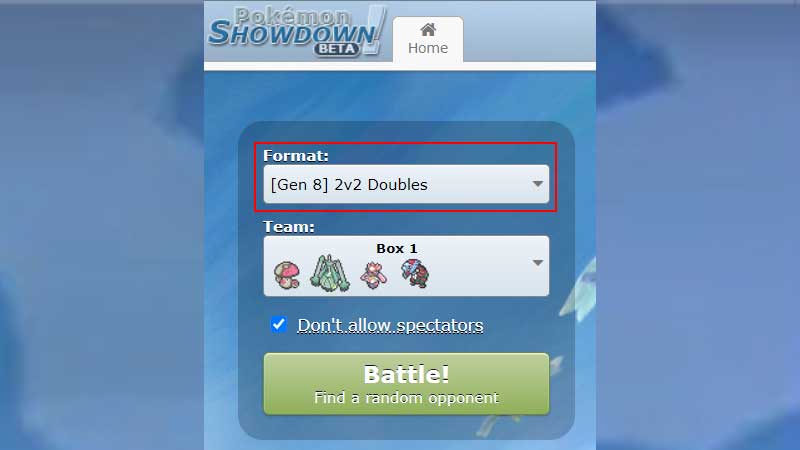
- If you do not have a team created, you will have to pick and choose a team before you can compete.
- To create a new team, you must click on the TeamBuilder option given below the Battle button.
- Here, you will see a option for New Team.
- Now, you must select the 2v2 doubles format to create a team suitable for that format.
- You can start adding Pokemon to the team by clicking on the Add Pokemon option.
- This will display all the Pokemon available and you can select your desired Pokemon.
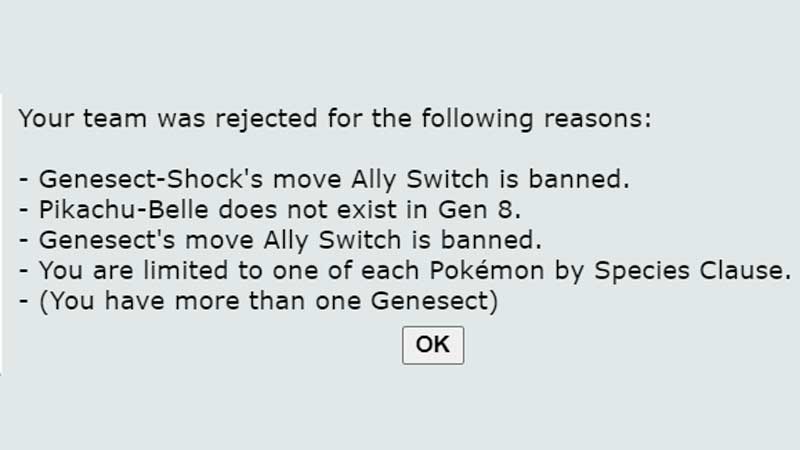
- Once you have selected a Pokemon, you will have to select 4 moves and EV for them. Some Pokemon and moves are illegal in this format and the team will be rejected if you select them.
- Moreover, you can repeat the process above to select the team of 4 Pokemon.
- Once the team has been created, you must click on the Validate option to see if the Team is ready to compete.
- If the team is validated, you can go back to Home and select this team for the 2v2 doubles format.
- Now, you will enter the 2v2 double match and select 2 of your Pokemon to enter into battle. You win if you manage to defeat both the Pokemon on the other team.
This is how you can play the 2v2 doubles format in Pokemon Showdown. For more Pokemon Showdown guides, see Pokemon Showdown: How To Forfeit?