
Many people have been getting restricted to play matches on Splitgate recently. The error they are getting is ‘You were kicked from the match for suspicious activity EQU8 Error Code: 00×23002450090798’
Obviously, no one is happy about this error as it would restrict them to play for a good 10 minutes or more. Splitgate has not yet addressed this error however there are a couple of ways that you can use to fix this.
EQU8 is an anti-cheat program that is used in online PC games. Splitgate also uses this program. The Error Code:00x1600e04da is likely a false ban error. Apparently, this error has been around for more than a year now on Splitgate. With extensive research, we’ve collected a few ways you can dodge this error.
Splitgate: How To Fix Kicked for Suspicious Activity Error
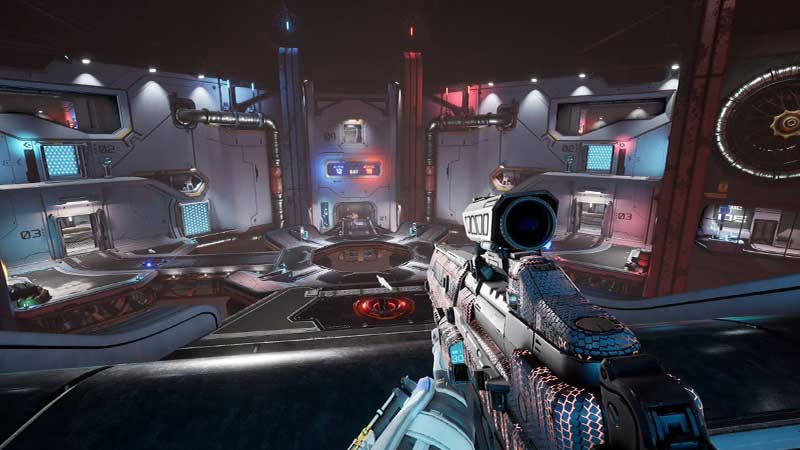
1. Validate your steam game files.
It is a possibility that there are some missing EQU8 files in your game folder. You can validate them by following these steps.
- Step 1: Go to your Steam Library.
- Step 2: Right-click on Splitgate and Click ‘Properties’
- Step 3: Click ‘Local Files’
- Step 4: Select the ‘Verify integrity of game files’ option.
2. Check unclaimed challenges
Many players found that they had some unclaimed challenges left. When they claimed those challenges, the error seemed to have stopped. Try this if the first way does not work.
Many players found that turning the VPN off and closing all background apps also helped fix the issue.
Note: Using auto hotkeys might trigger the EQU8 program. Avoid using them.
To conclude, there is no clear way to fix this ‘Kicked for Suspicious Activity’ error in Splitgate as of now. However, we hope some of our ways help you. We’ll keep you updated if any details do come out to permanently solve this issue or if 1047 Games address this problem.
Meanwhile, if you’re getting an error in Matchmaking in Splitgate, check this out.