
Recently Saber Interactive launched their Evil Dead: The Game and the fans are loving it. The game is only available on PlayStation 4, Xbox One, PlayStation 5, Nintendo Switch, Xbox Series X / Series S, and Microsoft Windows. As the game is based on the Evil Dead movie the expectations of the fans are very high. Although some players are pretty frustrated due to the connectivity error they’re facing. The screen sticks on the Joining Lobby, and then eventually presents a Connection Error. If you’re facing the same error just relax and follow the steps given below, it might fix your connection error issue.
How To Fix the Connection Error in Evil Dead: The Game
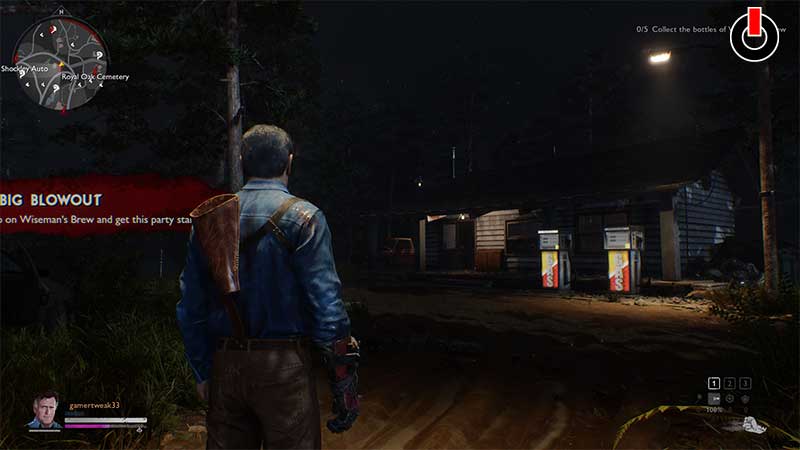
- Check the game’s Official Websites – Check the Evil Dead: The Game’s official websites and social media accounts, for updates regarding any scheduled downtime. If this is the case then just sit back and relax, the developers are working on it.
- Check your Internet Connection – You can also face errors due to your internet connection. so just check if your internet has a stable connection.
- Look for the game’s Subreddit and Tweets – There are also times when there’s a problem with the game, and the developers are not aware about it. In this case, you can check the Subreddits and Tweets done by the players, and put your mind at ease.
- Ensure that you have installed the latest patch – Sometimes you can also check if you have the latest update of the game installed.
- Restart your Device/System – Just switch On and Off your device, and it may solve your error.
- Contact the Game Support – You can also contact the Customer Support of Evil Dead: The Game via the in-game support portal or via their official Email.
These are some ways from which you can try to fix your Evil Dead: The Game connectivity error.
While the developers are fixing the connectivity error, you can just check this article out about How you can win as a Survivor in Evil Dead: The Game.