
COD Mobile has an XBOX Series X Controller Not Working error that stops users from using the secondary input method. This can be pretty annoying as players specially buy controllers to play the game. If you are one of these, you will be furious, and rightly so. The XBOX Controllers are a pretty expensive and sizeable investment for a mobile game. So, let’s find out if there is any way to fix this issue.
How to fix COD Mobile XBOX Series X Controller Not Working error?
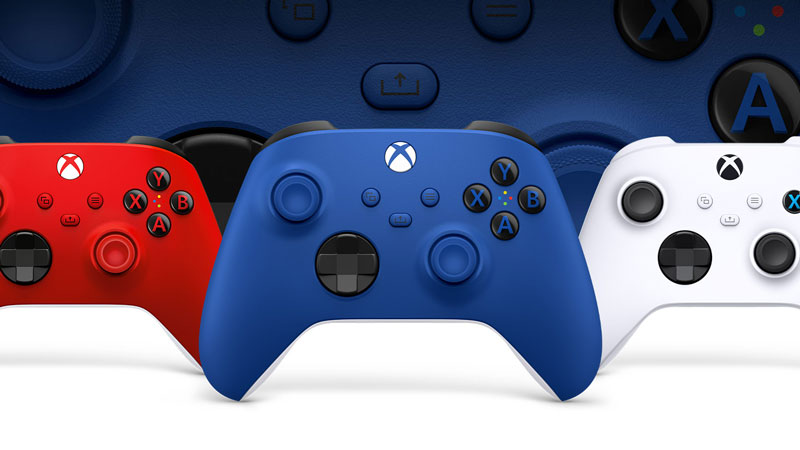
- The most basic fix that you can do is to reconnect the controller.
- To do this you will first have to disconnect and make sure to forget the controller from the list of paired devices.
- Now, hold down the big X button on the controller for 10 seconds and wait for it to turn off.
- This will reset the controller completely.
- Now, hold the same X button and wait for the controller to boot up again.
- Open the Bluetooth settings of the phone and search for the controller again.
- Connect with the controller again and you will be able to fix the COD Mobile XBOX Series X Controller error.
Also Read: CODM Memes: 7 Call Of Duty Mobile Memes To Make You Laugh
This error is mostly caused by a firmware error which is caused by a controller update. So, resetting the controller should technically fix this issue. Other than this method, there is no other way by which you can fix the controller not working error. Given the fact that this has been a pretty long-running error, it is mostly related to Xbox support. Maybe CODM devs finally pick up on this issue and get rid of it with a patch. Until then, the above steps are all you can do short of purchasing a whole new controller.
This is everything you need to know about how to fix the COD Mobile XBOX Series X Controller error. While you are here, you can also have a look at how to Convert Garena Shells To Call Of Duty Mobile CP.