
The launch of Threads, caught Instagram users completely off-guard. Adding to it was the excitement of getting your user count badge. While some users wanted to get rid of it, they’ve realized that Threads is a part of our lives now, and want to unhide the badge from their Instagram bio. So let’s look at how we can bring it back.
How to Unhide Threads Badge from Instagram Bio
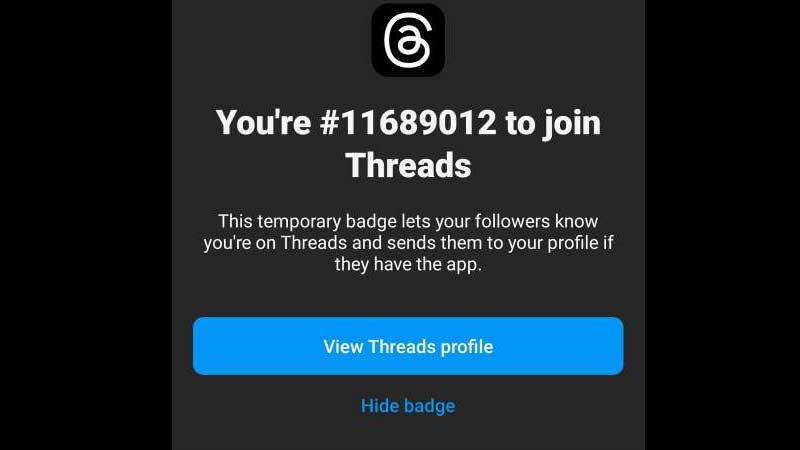
Currently, there is no way to unhide your Threads badge from your Instagram Bio. If you are thinking of hiding the badge, be completely certain that you don’t want to unhide it in the future. Instagram also makes it clear when you tap on the badge in the bio, that it will permanently delete it. Users may have impulsively got rid of it, but now there is no proven way to retain it.
Meta has said that there will be new updates on Threads. So we can only hope that unhiding the badge is one of them. The badge lets your IG followers know that you have joined the Threads app so that they can tap on the badge and follow you there. It is not certain if the badges are going to stay on our bio’s forever (unless we remove them). But it shows the unique serial number in which each one of us joined the app.
You will have to make a whole new Instagram account and log into Threads with that account to get a new badge. But that will take a lot of effort in building your following and your profile all over again. But if you are keen on getting that badge back, then as of now this is the only way you can get it.
This was all on how to unhide Threads badge from Instagram bio, if you found this article helpful, you can also check out how to delete or deactivate Threads account.