
Facebook rolled out its Reels feature some time ago. Released to fill the TikTok void, this feature was welcomed whole-heartedly by content creators. However, there are Facebook users that did not like TikTok videos and want to stop seeing reels on Facebook.
The persistent onslaught of videos can be too much for viewers at times. Moreover, it can be quite a rabbit hole where users can lose track of time. For all such reasons, if users want to disable reels in the Facebook app, we will explain how to do it.
How To Stop Seeing Reels On Facebook?
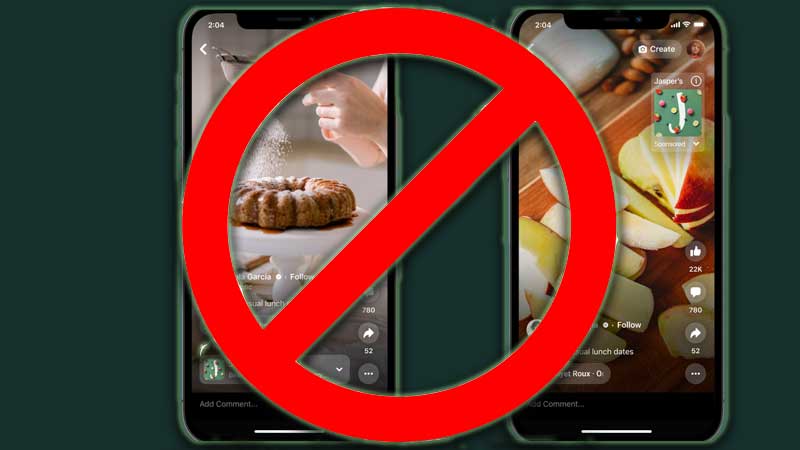
Let us start by stating that there is no option to permanently disable Reels on Facebook. However, users can still block Reels from flooding their Facebook page. There are a number of ways to do this and we have discussed each option below. We hope that using these methods will help users remove Reels from their Facebook.
Use Old Version Of Facebook
This method is quite simple. Instead of using the new and updated version of Facebook, users should go for an older version of Facebook that does not support the Reels feature. This can be complicated to pull off if users have already updated their Facebook. It is still possible to uninstall and download an older version from third-party sites. However, these sites can often be hoaxes and users can end up downloading viruses instead of an older version of Facebook.
Use Facebook In A Browser
The simplest method to avoid or remove Reels altogether is to use Facebook in a browser. Reels are only supported in mobile versions for now. If users want to stop seeing Reels on Facebook, the best way is to use it in a browser.
Turn Off Autoplay For Facebook Reels
Another great method to disable Facebook reels from flooding the page is by turning off autoplay. To do this, users can follow the steps below.
- Open the Facebook app on the mobile device.
- Select the app menu and then go to the Settings & Privacy option.
- Select the Media option after clicking on the Settings tab.
- Users will see an Autoplay column here. Select the Never Autoplay Videos option.
- Autoplay will now be disabled for users and they will only see Reels if they want to.
These are all the methods that users can employ to remove and stop seeing Facebook Reels. For more related content, check out Are Twitter And Facebook Getting Banned In India?