
Valorant is a first-tactical shooter game that has steadily been climbing the ranks as one of the best FPS games to come around in a while. It has garnered an immense fanbase in a short time after its release. As with any FPS game shooting and accuracy play a major part in a player’s performance. Crosshair settings are a vital instrument to ensuring that players hit their marks and today we will tell you how to make the perfect crosshair in Valorant using the Valorant Crosshair Generator.
Also Read | Valorant Crosshair Settings: Everything You Need To Know
Valorant Crosshair Generator
If you are an experienced FPS player, it is recommended that you turn off the movement and firing error setting. The perfect crosshair can help you shoot with higher accuracy. This is quite helpful when trying to shoot on the move. You will need to understand movement and firing errors to improve the accuracy of your shots. These settings can be toggled in the shooting range and will give you an idea about how they affect crosshair visuals. The settings are useful for newbies just getting accustomed to FPS games.
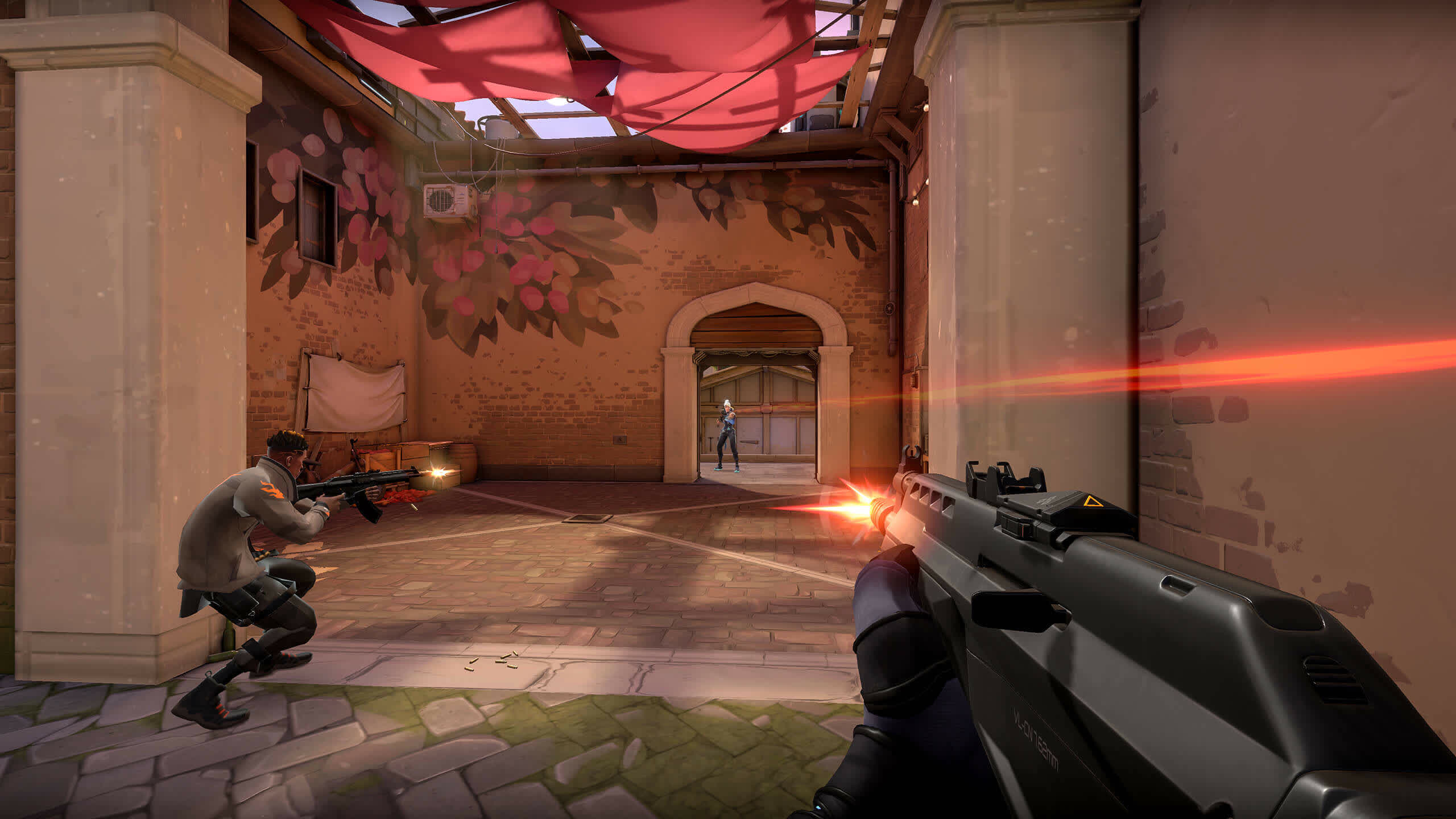
However, more experienced players can turn these off to avoid cluttering their screens. Valorant Crosshair Generator is an app by the community that lets players try out different crosshair settings in a web browser before applying them in the game. While crosshair settings are largely dependent on the player’s own choice and comfort, below are the suggested Valorant crosshair settings:
| Crosshair Color | Green |
| Outlines | Off |
| Outline Opacity | 0.175 |
| Outline Thickness | 1 |
| Center Dot | Off |
| Center Dot Opacity | 1 |
| Center Dot Thickness | 1 |
| Fade Crosshair With Firing Error | On |
| Show Spectated Player’s Crosshair | On |
| Disable Crosshair | Off |
| Show Inner Lines | Off |
| Inner Line Opacity | 0.645 |
| Inner Line Thickness | 2 |
| Inner Line Length | 3 |
| Inner Line Offset | 2 |
| Movement Error | Off |
| Firing Error | Off |
| Outer Line Opacity | 0 |
| Outer Line Length | 0 |
| Outer Line Thickness | 0 |
| Outer Line Offset | 0 |
| Movement Error | Off |
| Firing Error | Off |
These are the settings to create a perfect crosshair with the Valorant Crosshair generator. Want to know more about Riot Games’ Valorant? Check out our Valorant Guides to get the best out of your gameplay.