
Mirrors Of Albion is a puzzle game in which you have to play the character of a detective. The game has various chapters filled with mysteries waiting to be solved. And as the Detective, it is your job to solve the mysteries as soon as possible. But if this game seems difficult, you can always look for Mirrors Of Albion cheats.
In this game, you have to find the clues and objects and click on them as soon as possible. The faster you clear the level, the more points you get. However, it is easier said than done. It is not that easy to find the clues in the game, you have to struggle to find them before clicking on them. Well, in this guide, we have given some cheats, tips, and tricks for you to use while playing Mirrors Of Albion. Read along with this guide to know more about it.
What are the Mirrors of Albion Cheats, Tips & Tricks?
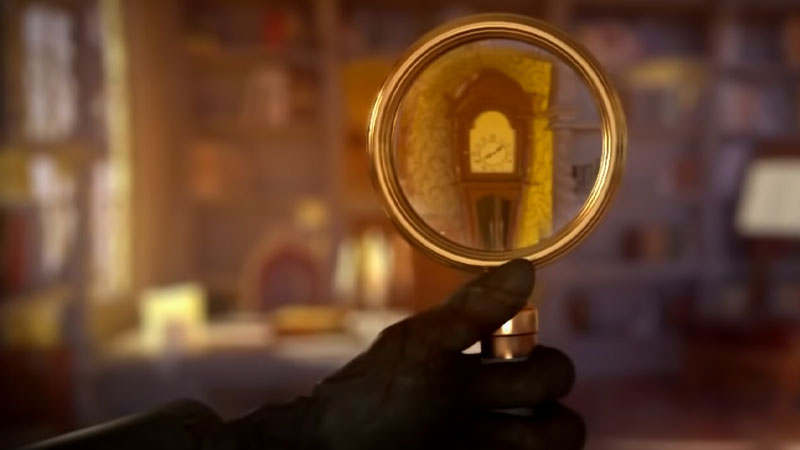
There are no official cheats that you can use in the game that will give you in-game boosts immediately. But we have mentioned some important tips and tricks that you can use while playing Mirrors Of Albion.
- Replay The Levels
- Refill Energy
- Collect Resources
Replay the Levels in the game
One of the best tricks you can use is to replay the levels to increase your accuracy in completing the levels and take lesser time. As mentioned earlier, the faster you clear the level, the more points you get. Once you know all the spots where the clues are hidden, you can go ahead and clear the level in no time. Also, keep in mind that when you try to replay the game, you can’t go back after completing the chapters. You have to literally play the game again from the beginning.
Refill Energy
In order to play the levels, you will need energy in the game. As you play more chapters, the energy will be consumed and after a while, it will get over. But once your energy bar drains out, you can try this trick to refill it. You can edit the time on your device and set it a couple of hours ahead and try playing the game. Most times, because of the glitch, the energy bars get refilled. If the developers haven’t removed the bugs and glitches, this trick might work.
Collect More Resources
In order to collect more resources, you can switch between stories while playing. You can start playing a chapter and then move on to the other chapters to get your mind off of things and also collect more resources. It’ll help you further in the game.
These are some of the Mirrors Of Albion cheats, tips, and tricks that you can try while playing the game. Hopefully, this article was helpful to you. While you’re here, you can go ahead and check out other similar guides such as Best Puzzle Games for Android.