
HBO Max is an on-demand streaming service in the US that was launched in the year 2020. It offers a very good library of movies, web series, TV shows, sports, and documentaries. It is owned by Warner Bros and Discovery and is only available in the US. Many subscribers of this app face an Error Code 905 when they open this app on their devices. This error barred users from using this app. Don’t worry this article will help you fix the error code 905 occurring in the HBO Max app when opening the app.
How to Fix Error Code 905 in HBO Max
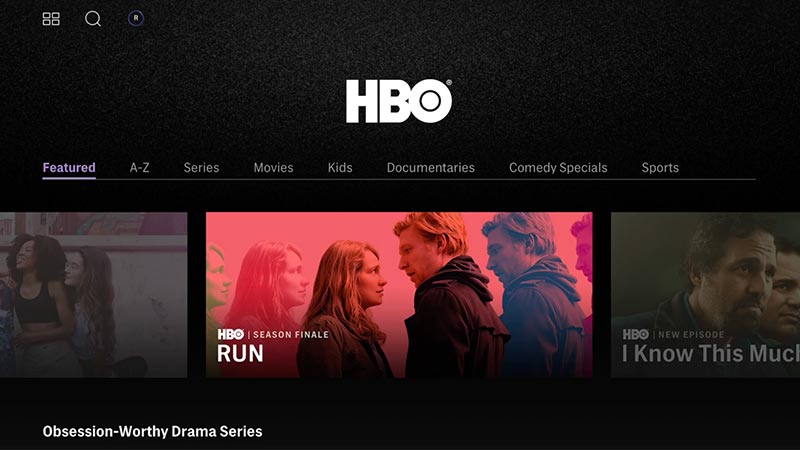
If you are facing this error and can’t access the services offered by this OTT app follow these simple steps to resolve the issue.
Update the HBO Max App
You may be using an outdated app on your device. To check that go to your device app store, Google Play Store (Android), App Store (iOS). Search HBO Max and check whether the store is having an update or not. If the stores have an update, update your app and check whether the issue is resolved or not.
Wait For a While
If the issue is still not resolved, wait for a while by closing the app and opening the app after some time. The issue might be triggered due to an increased amount of traffic on their servers or server outage. These problems take time to resolve, as a result, the users need to be patient and give them time to resolve this issue. You can check the app after some time.
Do Not Use VPN
Since HBO Max is available only in the US, check the location of your device, and also check whether you are using VPN services. If yes, turn off your VPN Services and then start the app. As the app might consider you as a threat and trigger Error Code 905. Using VPN services is not recommended for using this app as it might completely ban your account.
Check Your Internet Connection
There might be a problem from your side as well, maybe your internet connection is poor. Your internet service provider may face some issues resulting in slow internet speed. To check this try to open your web browser, search for something and check how much time it is taking to load. You can check your speed on various internet speed checkers available online. If it is slow restart your modem and then try.
Clear Cache
If you are using HBO Max on your mobile phone you can try clearing cache files of the app by going into the settings of the phone and clicking on the “App” option, to find the HBO Max app. Open the HBO Max Option where you can clear the cache data. After clearing cache files open the app.
Restart The App
If you still face the issue, close the app and restart the app after some time. If the issue is not resolved restart your phone and open the app. If you face the problem, uninstall the app and reinstall the app from the store.
This guide might have helped you to fix this issue and can enjoy the features and services offered by HBO Max. After trying these tips, if you are still facing the problem, you can contact the HBO Max Support team and seek help from them.
For more guides, tips and tricks, stay on GamesAdda.