
Pokemon GO today has millions of users around the Globe. And they come from all ethnicity, gender, and age. Many Trainers are busy in their life and job, which makes it hard for them to become part of the long-catching process and miss out on many good Pokemons. But, not anymore, you can just use this glitch or trick to fast catch or quick catch Pokemon in Pokemon GO.
Pokemon GO: How to Fast Catch or Quick Catch
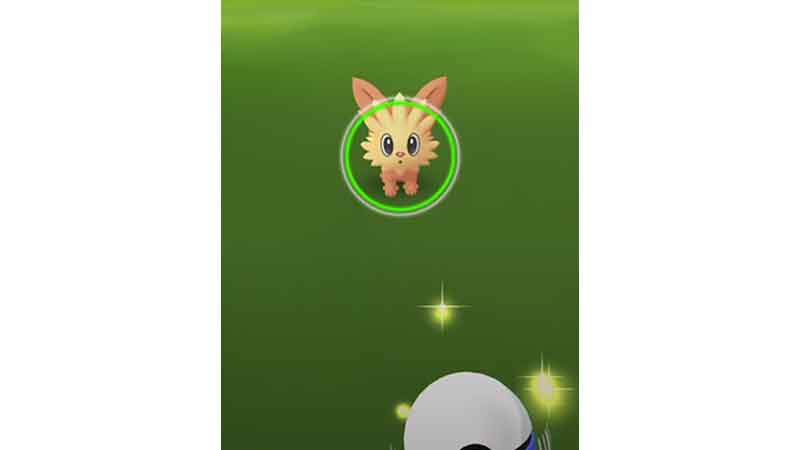
The method is very simple, you only need to follow the steps as it is, and you will be able to catch new Pokemon in less than a minute. But remember, it might take some attempts to master these steps, so if possible keep trying till you succeed. And it will quicken the catching time, but not the power. Now let us jump to the steps.
- Open your Pokemon GO app and go to the Map view.
- Now search for any Pokemon, and if feasible choose some random Pokemons till you master the method.
- Tap on the Pokemon, and it will open the catch window.
- On the bottom right corner of your screen, you will see a PokeBall-like icon. Tap on it and choose the Poke Ball.
- Now, you can feed berries to increase the chance of capture. But it is optional as it will take a few seconds.
- It’s time for the final steps, put your right thumb on the bottom right corner Pokeball symbol and drag it little to the left. Hold it there.
- Now grab the big PokeBall from the bottom of your screen and throw it on the Pokemon.
- Wait for the three shakes. As soon as the third shake happens, use the Run button on the upper left corner of your screen.
- Time to check if you successfully caught the Pokemon or not. Go to the Main Menu and tap on the Pokemon button. Now check if that Pokemon is in your bag.
These are all the steps you need to follow to fast catch or quick catch a Pokemon in Pokemon GO. Since you are already here, go ahead and check how to win Mega Raid and how to attack faster.