
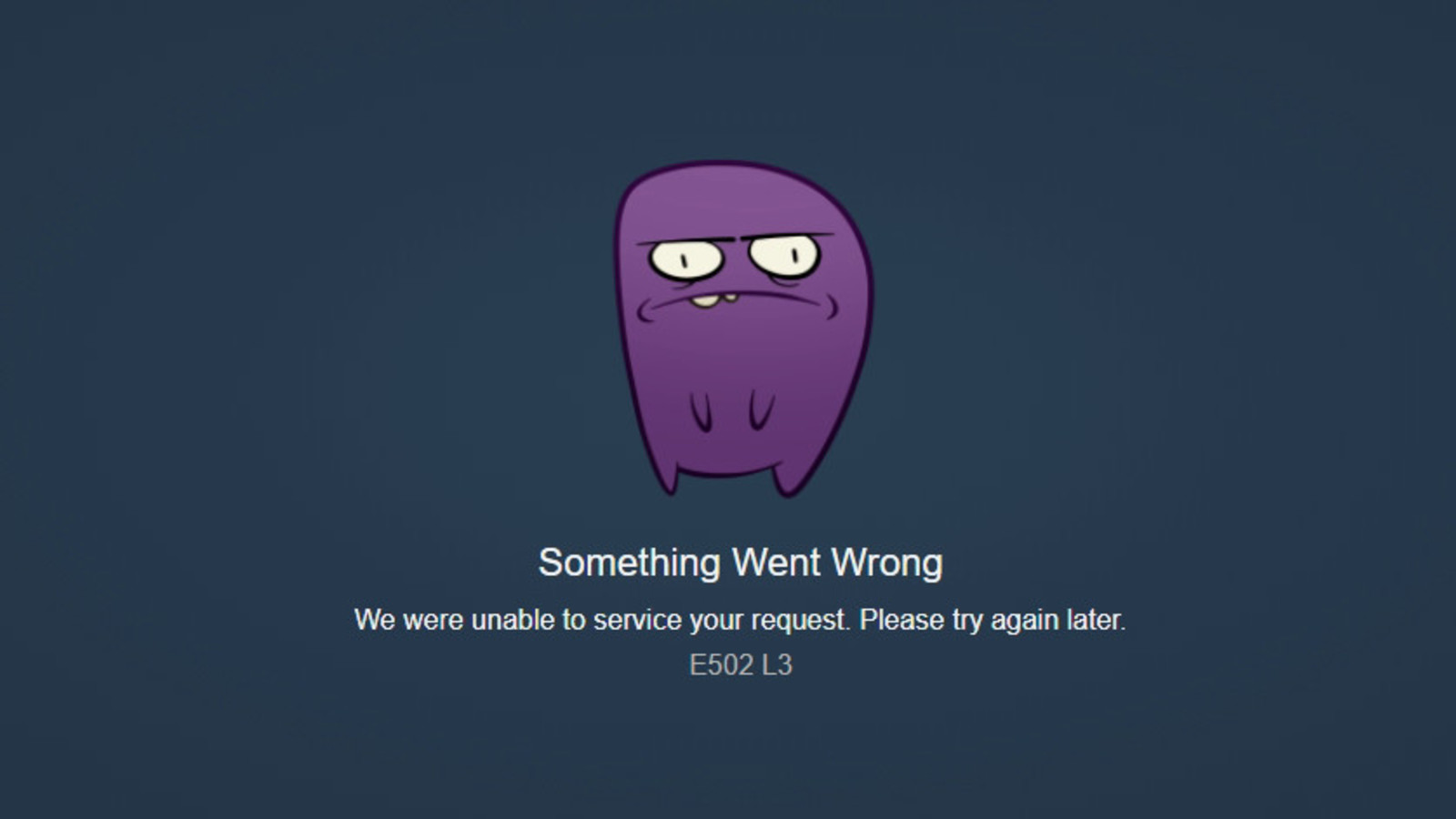
Steam is a digital video game distribution service that has millions of users. With such heavy traffic, it is no wonder that Steam experiences technical errors now and then. Recently, gamers visiting Steam have been plagued by the Steam error e502 l3. Let us find out what this error is and is there a way to fix it.
What Is Steam Error E502 L3?
This is an error that can pop up at any time interrupting players trying to connect to their games or purchase new ones. Understandably, this has caused a lot of frustration within the gaming community. The error is quite common during big events on Steam. For example, the launch of big titles and Steam sales are the times when a lot of players are trying to log in to their Steam account. This is most often the time players encounter the Steam error e502 l3. It is an error that seems to pop up a lot when there is a lot of traffic on the site. However, it is an error that can even pop up when players are trying to access their library.
How To Fix Steam Error E502 L3?
Now that you know what this steam error is, there is only one question that remains. Is there a way to fix this error? Players are eager to know if they can fix the error and get back to their games uninterrupted. Unfortunately, there is nothing a player can do to fix the error. Since this is an error on Steam’s servers rather than a problem on the player’s end, the only thing to do is wait patiently for Steam to sort it out. Once they do sort it out, you can use these Free Steam Gift Card Codes to get new games from Steam.