
Tower Of Fantasy is a recently launched game and has amazing features that attract players from around the globe. Being an open world game, the players can explore the in-game world. But did you know that players can create their unique Presets in Tower Of Fantasy?
Well, yes, the players can create their own version of a character in the game, save it and even like it. If you want to know how you can like a Preset, read along with this guide and you will be on your way liking presets in the game.
How to Like a Preset in Tower Of Fantasy?
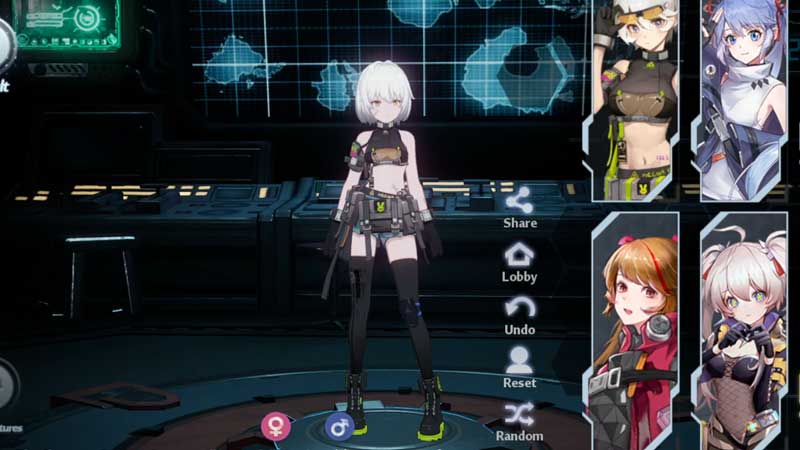
By using this feature in the game, players can create their own versions of characters and boast their creativity. Additionally, the players feel that they have contributed something towards the game and its experience.
Apart from that, you can also download, upload and put up any preset for voting. You can create a character in the Preset tab in the game. Once you’re through with making your own character, you can go check it up in the Appearance Hall tab.
In the Appearance Hall, you can see the presets created by other players and can import it too. In order to import a preset, you have to find the import id of the preset and click on the import button. While you’re in the Appearance Hall, on the top-left corner of the presets, you will notice a heart icon. All you have to do is click on that icon and you can liked the Presets in Tower Of Fantasy.
This is all you need to know about the Presets and liking them. Hopefully, this article was helpful to you. While you’re here, you can go ahead and check out other similar guides such as Where to Find Portunids in Tower Of Fantasy? and How to find Apophis?