
In just a few months of its release Ranch Simulator has lured in a lot of players. The hype around the game built fast at an unexpected level, which even the developers were not prepared for. This is why for now the game is only available for PC as a mobile version isn’t available.
With so many YouTubers streaming it a lot of people feel the need for android or iOS versions. That’s where we step in, read till the end to know how to download the Ranch simulator for mobile.
Ranch Simulator Mobile Version Download
Even though Ranch simulator isn’t officially on mobile there are versions of it available. Farm animal simulator: Family farming is one such simulation game that is the closest you can get to the Ranch simulator.
The controls, quests, and rewards all are very similar just the names of items are tweaked. The game is only available on the google play store so this alternate is only for android users. Players can simply download the game from the play store by searching the name mentioned above.
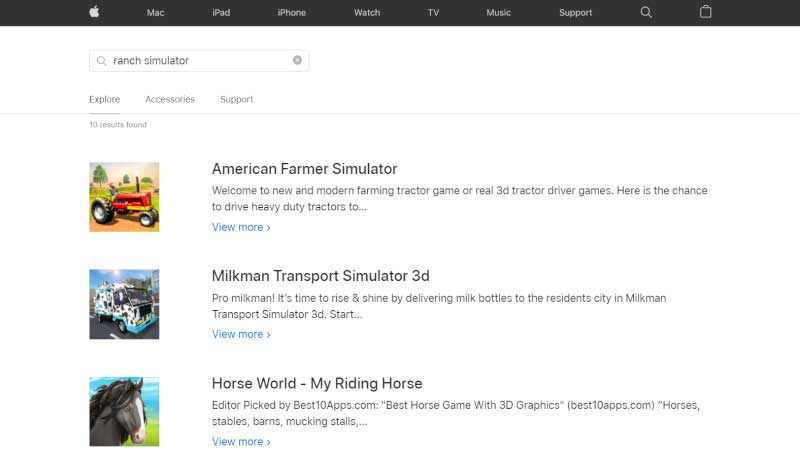
iOS users don’t need to feel left out as we have found a version for them as well. American Farmer Simulator is the game is also very similar to Ranch simulator, players can download it from the Apple app store by just searching its name.
In both versions, you will be given a tutorial at the beginning which will also tell you how to use the controls. Making a mobile version of a PC game always makes the controls messy. Here the controls are fairly simple as you get an analog on the bottom left of your screen using which you can move your character. Other buttons are on the right side of your screen. The controls are almost transparent so they don’t block the gameplay as well.
That’s all for this one, for more such tips and tricks stick around at Gamesadda.