
Garena Free Fire is celebrating its 4th Anniversary through an in-game celebration. This celebration includes events starting from the 20th of August. You can win multiple rewards, codes to redeem prizes, giveaways, etc. One of these in-game events is the Memory Album Event. This event started on 20th August and ends on 9th September.
Memory Album Event: How To Get The Thrash Goth Grenade Skin In Free Fire
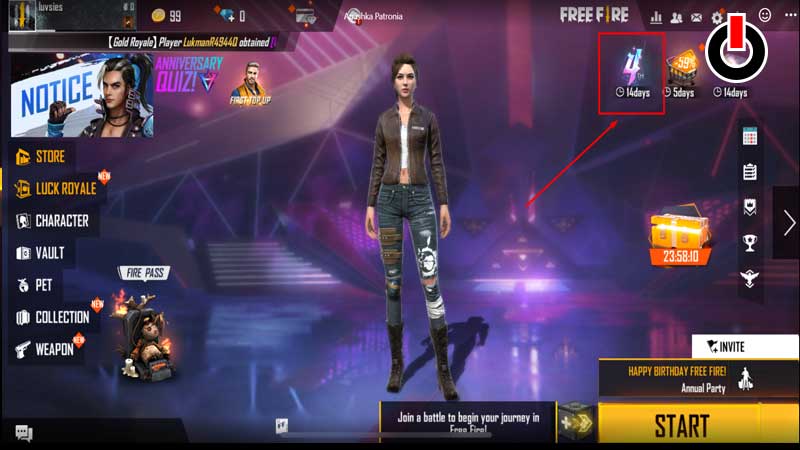
To access the Memory Album Event you need to take part in the 4th Anniversary Party. To do that, click on the 4th Anniversary logo on the right side of the screen in the lobby. Once you gain access to the Anniversary event, you will see multiple ongoing mini-games, quizzes, and missions.
On the bottom left corner of the 4th Anniversary Party screen, you will spot the Memory Album Event button.
To unlock the reward crates at the bottom of the screen, you need to click snapshots with the characters during the Annual Party mode. To know which character you need to click snapshots with, simply click on the boxes and you can see the character greyed out.
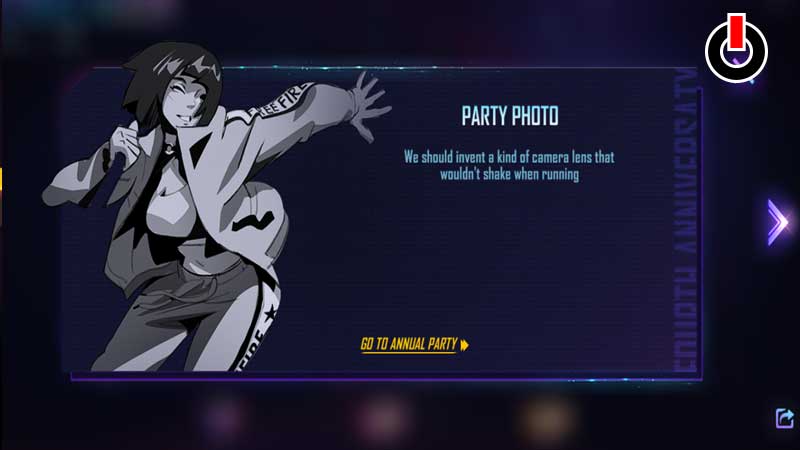
To go to the Annual Party you can simply click on the Go to Annual Party button on one of the character boxes and start the game by clicking the Start button in the bottom right corner.
Walk around and spot the characters. An easy way to spot them is by reading the name hovering on top of their avatar. Stand next to them and click on the camera button to enter snapshot mode.
Click on the little icon above the camera to filter out other players from the photo. To get the Thrash Goth Grenade skin, you need to take 15 snapshots in total. The characters that show up are randomized so you might have to enter the Annual Party mode multiple times to get all 15 character shots.
There is a secret portal in the lobby which takes you to Misha, so don’t forget to go there!