
Free Fire OB28 Advance Server has finally gone live and it is available to download on Garena’s official site. Like the previous update, the latest update seems to add a lot of new features to explore in the game.
Before we explain how to get an activation code for Free Fire OB28 update, let me tell you that Garena only allows a limited number of users to access its advanced server. Since the APK file of the FF OB28 update is made available on the site, players are having trouble getting the activation code.
For the uninformed, players can’t explore the newly added features on advance server unless or until they have an activation code. If you are looking for a guide to explain the easiest way to obtain the activation code then you are at the right place.
In this guide, we will explain how a FF player can get the activation code for OB28 Advance Server.
Free Fire OB28 Advance Server: How To Get The Activation Code
The method that we are going to explain is the only way that can be used to obtain the activation code for the advance server. Those who want to get the activation code should follow the given steps:
- Visit the official site of the OB28 Advance Server. Click here.
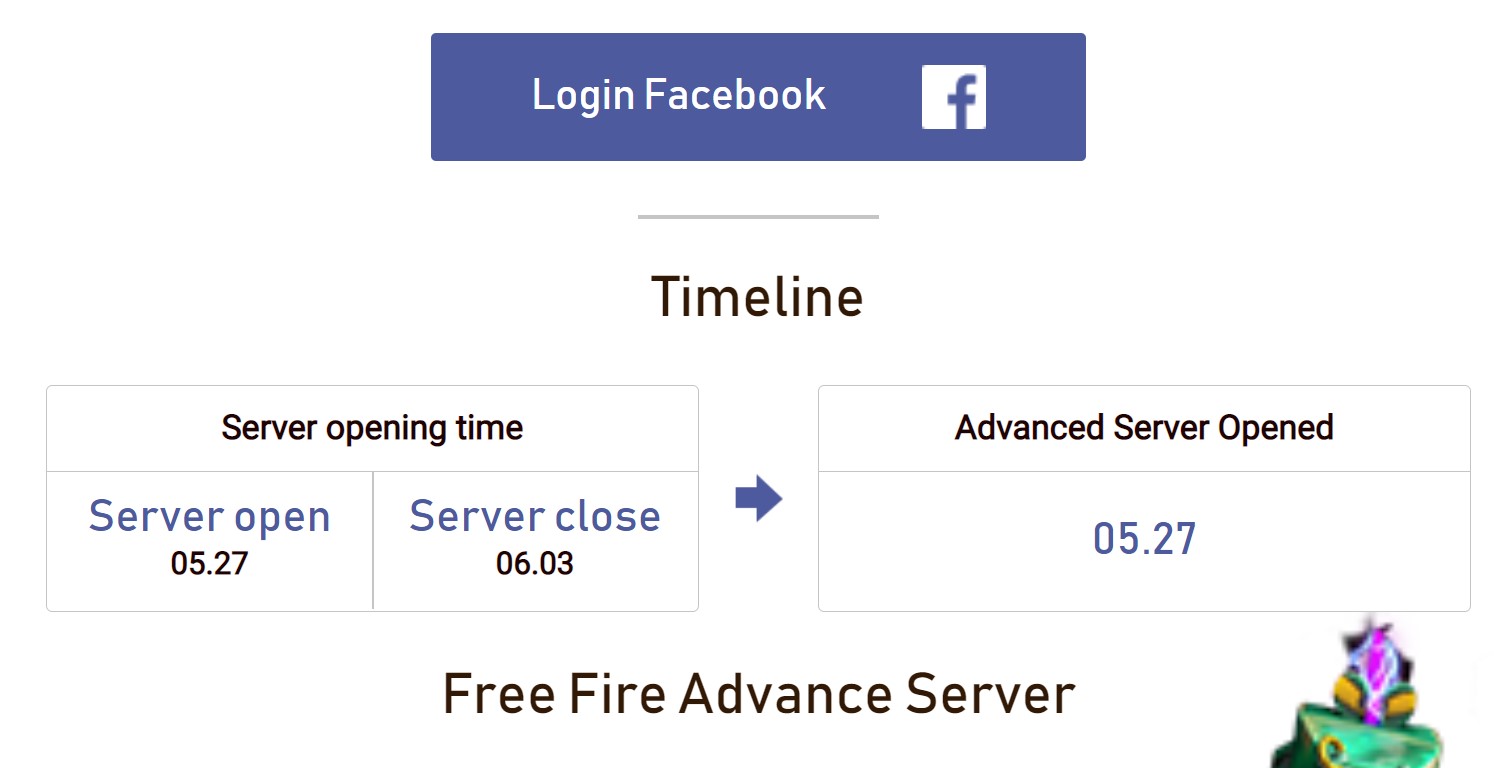
- Click on the ‘Login Facebook’ button show in the above picture.
- Once logged in, a form will appear on the screen, asking you to enter details like phone number, Email Id, and more.
- Click on the ‘Join Now’ option to complete the process.
- Those who have already registered for the Advance server can download the FF OB28 advance server APK from this link.
- Before you start downloading, make sure you have enough empty space in your device because the size of the APK file is 607 MB.
Everyone can download Free Fire OB28 advance server APK file from the above-mentioned link but players who have an activation code can only explore new features added to the game.
What Is The Activation Code?
Similar to redeem code, it is a secret code distributed by the developer of the game. They often provide activation code to collaborators, content creators, and selected members of their community.
Notably, this code can only be used once by a player when they launch the Advance server on their device for the first time.
Here’s what Garena has to say about advance server activation code:
“Because Advance Server can only hold a certain number of users, if you do not receive the activation code, please wait for our response.”
Once you successfully registered for the activation code, Garena will review your application and if they find your application is interested or worthy of sharing the activation code, they will give you an activation code.
That’s all you need to know about Free Fire OB28 advance server action code.