
The Sims Freeplay is a casual life simulation mobile game. It lets you create a world where you are pretty much a god. All sims are your creation, and you can choose their career and life. It has many interesting locations and structures that start to unlock as you complete tasks and level up. Such as Shopping mall, Pet store, Car dealership, and Nightclub. In this guide, we will learn how to check in at the Nightclub in Sims Freeplay and where is it located.
Where is the Nightclub in Sims Freeplay? How to Check in
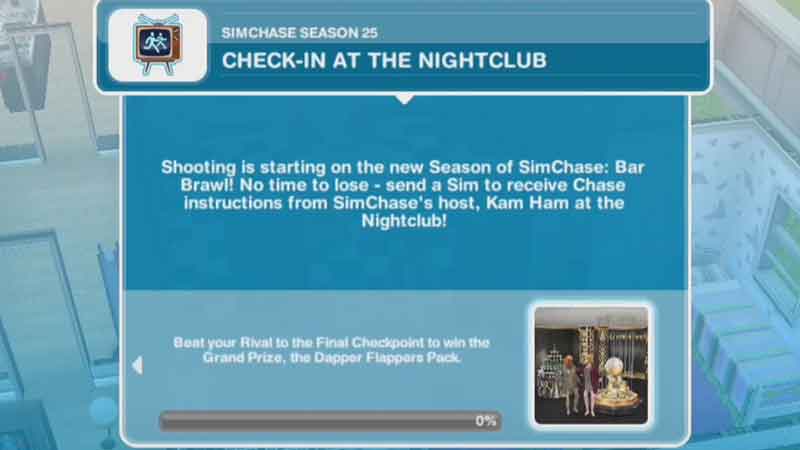
The Nightclub is one of many facilities in Sim Town. It can be built for free when you reach level 7. And it is located on the extreme right side of the town. The club’s icon shows a dancing silhouette. There are several activities you can perform in this club. And this is also an important part of SimChase, as every Simchase season has a task called “Check-in at the Nightclub“. The Nightclub is occupied by Kam Ham, who will give you instructions for the next task after check-in.
To check in at the Nightclub first go to the main screen and scroll to the extreme right. And tap on the Nightclub icon that looks like dancing people. If you are coming here for the first time and your internet speed is not very fast. Then you might have to wait for a few minutes for it to load. Once at the club, tap on the folder-like icon, Simtracker. Scroll and see which Sims is free. Hit the whistle button below their image. Now tap on the Kam Ham and choose “SimChase Check-in“. It is a few seconds task, and once finished you will immediately receive the next task. You might not be able to check in before the “Check-in at the Nightclub” of SimChase appears on your list.
If you allot one Sims as the DJ and make others dance on the floor. Then you will receive friendship points. You can also choose any Sim to act as a bartender. Apart from that, the facility also has a toilet, which can be used in emergencies.
This is all you need to know on how to check in at the Nightclub in The Sims Freeplay. If you found this article helpful. Also, check out Influence Island and how to add friends.