
Many players are facing a login error in Undawn. This has to be the case with the majority of the players at the beginning. But how do you end up solving this issue? Many MMORPG games have this error at the time of logging in. Sometimes it is issues with storage, while sometimes the problem is with the internet connection. No matter what the reason is here, we have just the fix for you.
How to Fix Login Error in Undawn
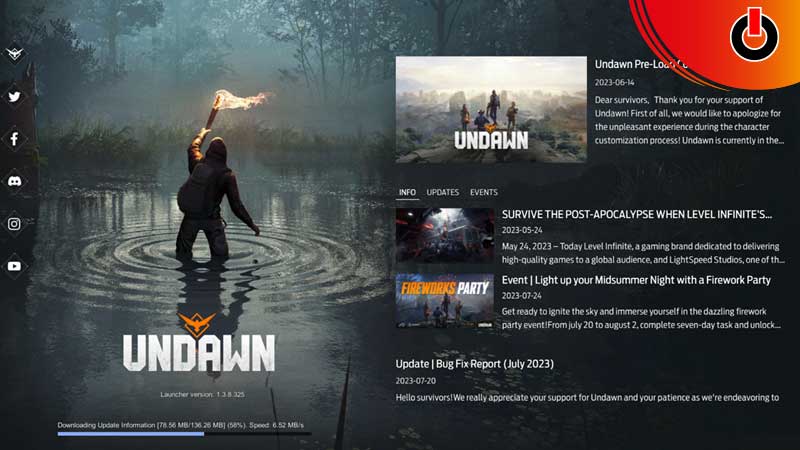
- The game size of Undawn will require you to have 20 GB storage free. If you do not have that much storage space available, then you will most definitely not be able to log into the game.
- You have to go back and uninstall and free up some space in your mobile devices to be able to log in. This is the only fix that can help you get into the game.
- 10 GB needs to solely be available to download the game and the other 10 GB needs to be available to start the game.
- It is suggested to play the game on your PC or Laptop as there is a high chance of the given storage size being available there. Even though the game is designed heavily for mobile devices, it will require players to struggle a lot in freeing up that much space.
- The other reason you may not be able to log into Undawn could be an unstable internet connection. Once you free up some space, the game starts loading. There you will get to know if you can successfully get into the game or not.
- You will have to connect to a stable and strong Wifi connection or internet for the game to run.
System Requirements
We have also mentioned the system requirements below. So you can check if your device is compatible with it –
Minimum –
- OS: Windows 7
- Processor: Intel® Core i5 4430
- Memory: 4 GB RAM
- Graphics: Nvdia GeForce GTX 660
- Network: Broadband Internet connection
- Storage: 20 GB available space
- Sound Card: Windows Compatible Audio Device
Recommended –
- OS: Windows 10/11
- Processor: Intel® Core™ i7-8700
- Memory: 16 GB RAM
- Graphics: Nvdia GeForce GTX 2060
- Network: Broadband Internet connection
- Storage: 20 GB available space
- Sound Card: Windows Compatible Audio Device
We hope we have helped you with all the possible ways you could fix the Login Error. If we did help, then you can check out our other articles on Undawn like how to invite friends or how to craft a Wooden Board.