
If you’re not happy with the character you have in Arknights then you can always reroll and get new Operators. Just like you, many players are after the 6 Star Operators and want to pull them at any cost. That’s because playing with weak characters will not get you so far and pulling is quite expensive if you’re a veteran player. So it’s best to first unlock the powerful Operators and only then start the grind to progress quickly. If you have a character in your mind whom you want to unlock from the new Arknights banner, then let’s start rerolling.
How Can I Reroll for Free in Arknights
To reroll in Arknights you’ll have to create a guest account and start from scratch. If you’re okay with starting fresh then scroll down for steps.
- First, launch Arknights on your Android or iOS device.

Source Image: Dr Volke - Next, select the option to Log in as a Guest.
- After that, enter your name correctly, as changing it later will cost in-game currency.
- Then, skip the story and complete the introductory battles.
- Once done, make the mandatory Pull and play a combat match.
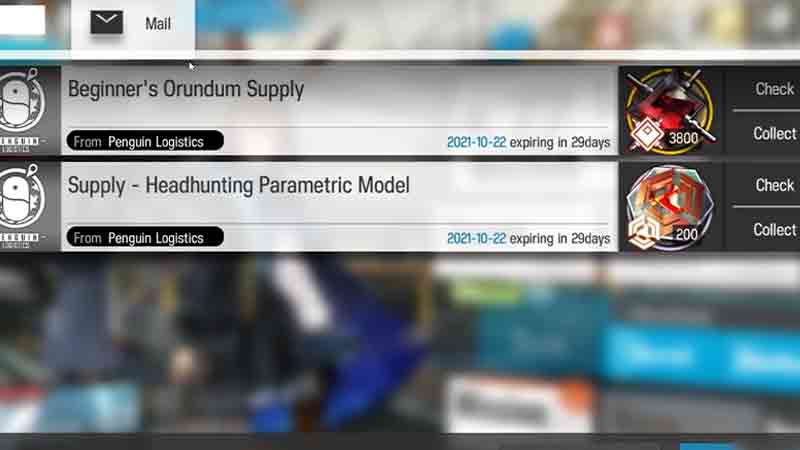
Source Image: Dr Volke - Now, head to your in-game Mail and collect the rewards that include the free 3.8k Orundum required to make the pulls.
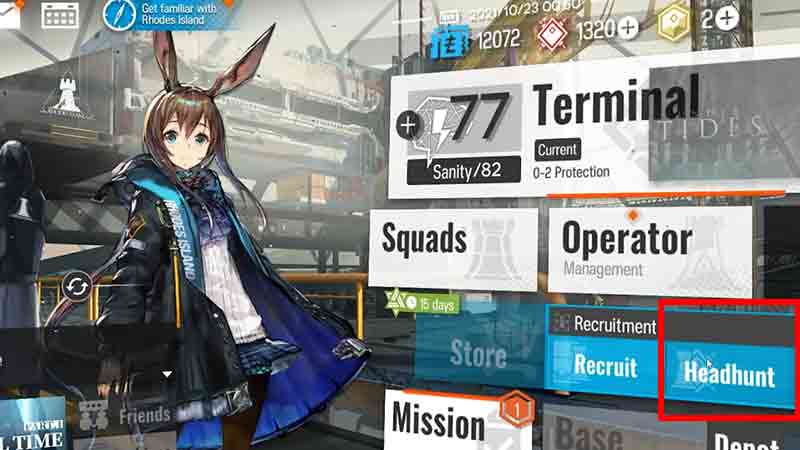
Source Image: Dr Volke - After that, select the Headhunt option and go to the Standard or Beginner banner.
- There, press the single or 10-pull button and see what characters you get.
- If you’re still not happy with the Operators you got, then open Settings by clicking on the gear icon located in the top left corner.
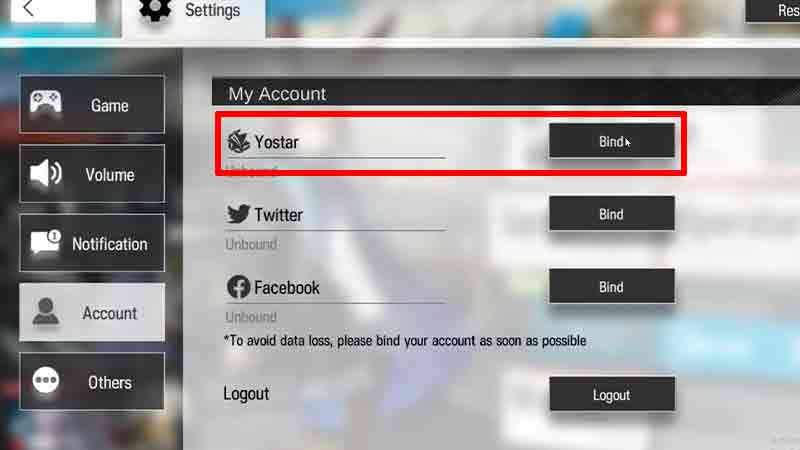
Source Image: Dr Volke - After that, head to the Account tab and select the option to Bind with Yostar.
- There enter your email address and before the @ type +(numbers). For example, your email should be User+1@gmail.com. And whenever you reroll in Arknights again, simply add another number after the +.
- After that click on the Send Verification Code button and enter the code that you got in your email inbox.
- Once done, hit the Bind button to link your account with Yostar.
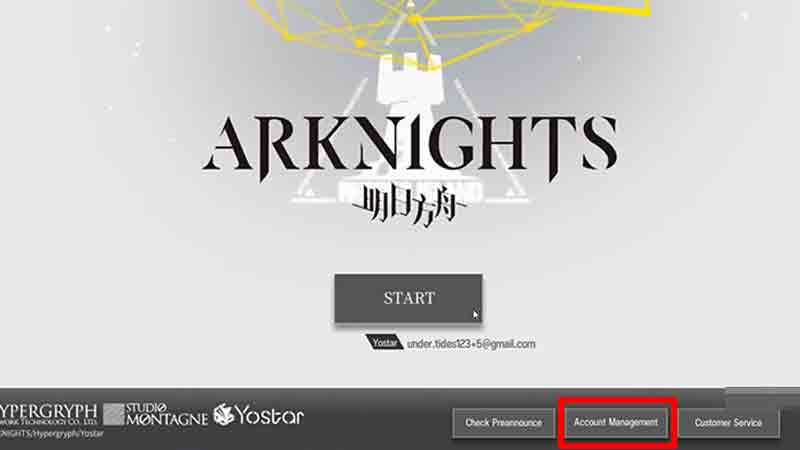
Source Image: Dr Volke - Now, go ahead and log out from your account and click on the Account Management option.
- Then, again select the option to log in as a Guest and repeat the process until you pull the Operators you want.
After you do find the characters you want, simply bind it with one of your Social Media handles, just to be safe. Players must note, that this workaround can be removed by the devs anytime, so make sure to use it while it’s still available.
That covers everything about how you can Reroll characters in Arknights easily. If you’re dicey about which characters you should pull, then check out our Operators Tier List. Also, take a look at the ways to get Orundum in Arknights quickly.