
Being an online game, Valorant can face some glitches and issues at any moment. Although, the developers try their best to avoid such issues, but some issues occur over time. Now, among these issues, there’s one issue in particular that we are going to cover in this guide. And that issue is Valorant freezing mid-game.
Now, there are several aspects to why the issue occurs and how to try and solve it while playing the game. This issue can be a tad annoying because who likes to be interrupted while playing the game. Check out the reasons and solutions mentioned in the guide below.
How to Fix Valorant Freezing mid-game?
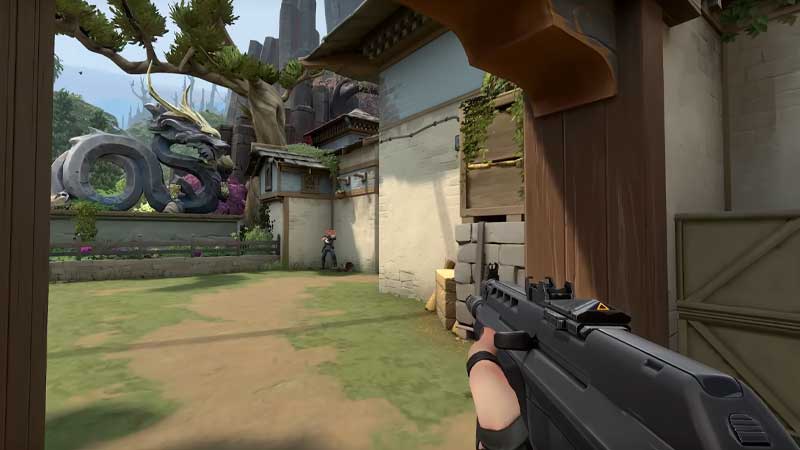
Here are the Top 5 Fixes you can use if you experience a mid-game freeze in Valorant. Have a look at the solutions and try them to play the game smoothly.
Clear the Taskbar while playing Valorant
Sometimes it can happen that Valorant has crashed or frozen mid-game itself because there are other apps running in the background. Valorant is a huge game and it requires space to run properly. So, in this case, open your taskbar and check if there are any apps open in the background, if there are clear them and restart Valorant. Hopefully, this error won’t trouble you.
Update Graphic Card Driver
You have to keep an eye on the Graphic Card Drivers as well. In order to do so, you have to keep updating the drivers when required, because these little drivers can be one of the possible causes for the game to freeze while playing.
Check Laptop Specifications
As mentioned earlier, Valorant is a big game and it won’t run on any PC. The PC should have certain specifications to run the game smoothly. Check if the PC is up to the mark regarding the specifications.
Check PC Temperature
Check if your Laptop or CPU of the computer is heated. The PCs lag when they are heated and need some time to cool down to function properly. If your PC seems warmer, quit the game for a moment, and try again after some time when the PC has cooled down.
Check The Graphics Settings of Valorant
If you’re still facing issues, check and lower the graphics settings in the game. Sometimes playing the game in high resolution can be one of the plausible reasons why the game may freeze or lag while playing. It is easy to change the graphic settings from the settings tab.
These are some of the best solutions to try if Valorant is freezing mid-game. Hopefully, this article was helpful to you. While you’re here, you can go ahead and check out other similar guides such as How to Play Valorant on MacBook and What is Team Ace?