
WhatsApp is a very popular text and video messaging app that has a huge number of daily users. While it is a great way to stay connected with friends and family, it can also be quite distracting. The constant onslaught of messages, status updates, etc. can be too much for some users and they may want to disable some of these updates on WhatsApp.
It is actually quite easy to disable Status updates on WhatsApp. While there is no option to turn off the feature entirely, there are ways to stop them from appearing on a user’s personal WhatsApp.
How To Disable WhatsApp Status Feature From An Account?
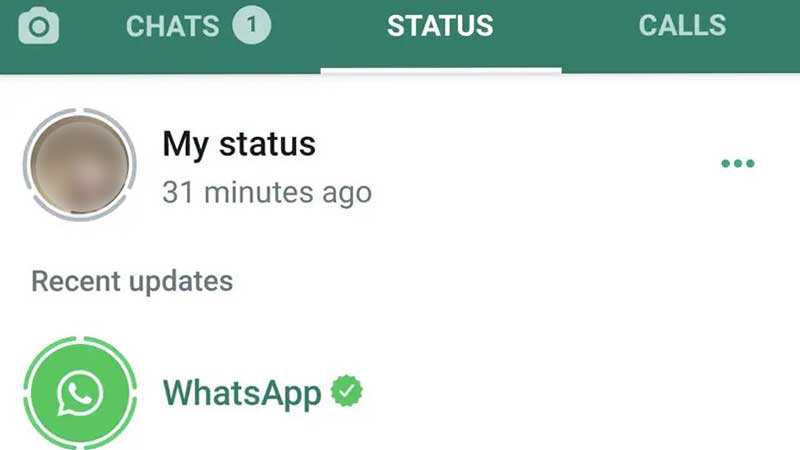
Like we said earlier, users cannot directly turn off the WhatsApp status feature. However, it is possible to stop seeing status updates for every person in a user’s contact list. We have listed all the things users can do to disable WhatsApp Status for other users from appearing on their accounts.
Deny Contacts Permission
This is the easiest and most straightforward way to stop seeing any status updates. To do this, users simply need to deny contacts permission to WhatsApp. This can be done by going to the Settings of the phone and opening WhatsApp’s app info. Here, users will have to open up permissions and then select Deny contacts permission.
However, users need to keep in mind that this will also disable WhatsApp from reading all the contacts. This means that users will not see any names while they are chatting to their contacts in the app.
Mute Status
If users do not want to disable all WhatsApp status updates but do not want to see updates from specific users, they can choose to mute those contacts. To do this, users will need to go to the Status section of WhatsApp and long-press the status of the user they want to mute.
Once, they long-press the Status, WhatsApp will offer an option to Mute the status. Click on Mute and WhatsApp will stop showing Status updates for that specific user. This can be done for multiple users.
How To Stop Others From Seeing A Status Update?
In case users do not want to share their Status with everyone, they can choose to change the privacy settings of their status. This will ensure that the status is only visible to select people.
It will disable the WhatsApp Status for other users. To change the status privacy on WhatsApp, users can simply follow the steps given below.
- Go to the status tab
- Open status piracy
- Go to the only share with option
- Select the users you want to share the status with. The status will now only be visible to the selected users.
That is how users can turn off or disable status updates on WhatsApp. For more WhatsApp related content, check out How To Download & Save WhatsApp Status: Tips Tricks & Hacks.