
Adopt Me has finally charted a milestone of having over 20 billion visits on Roblox. Since there are millions of players who play it on a daily basis, they have a lot of questions in their minds that need to be answered.
What Adopt Me players are struggling to find is what trading servers are and how to join trading servers in Adopt Me. Before we explain the entire process of joining trading servers in Roblox Adopt Me, let me tell you that the developer of the game is all set to drop new update this week.
Since Adopt Me has plenty of things to trade, I highly recommend joining Trading Servers because you will get to meet a lot of people who have been looking for people to trade in exchange for items in the game.
Notably, don’t trade items for bucks or in-game currency Robux. I highly recommend using the Trade Menu to trade items or else you will get scammed. Without any further ado, let’s go through the guide.
How To Join Trading/Rich Servers In Adopt Me
Joining Trading Servers in Adopt Me is a bit complicated but you will need to follow a few simple steps:
- Visit Roblox official website and search for Adopt Me
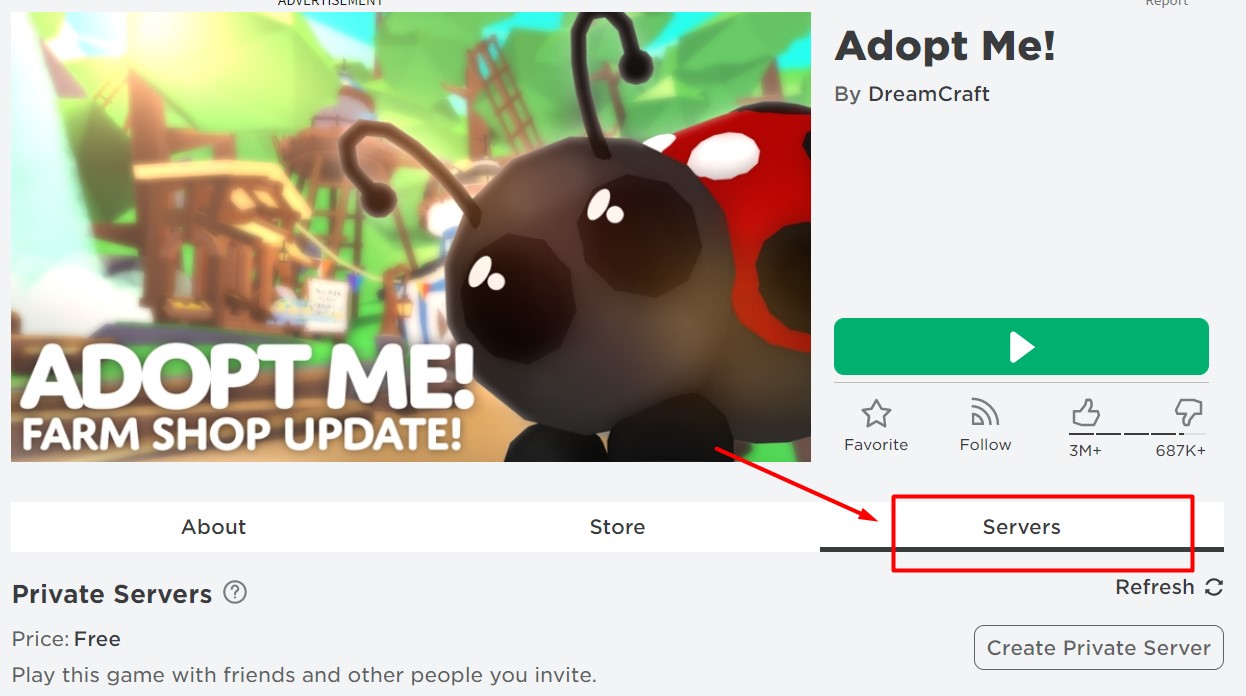
- Click on Servers and scroll down and find a server that has a bunch of Robots
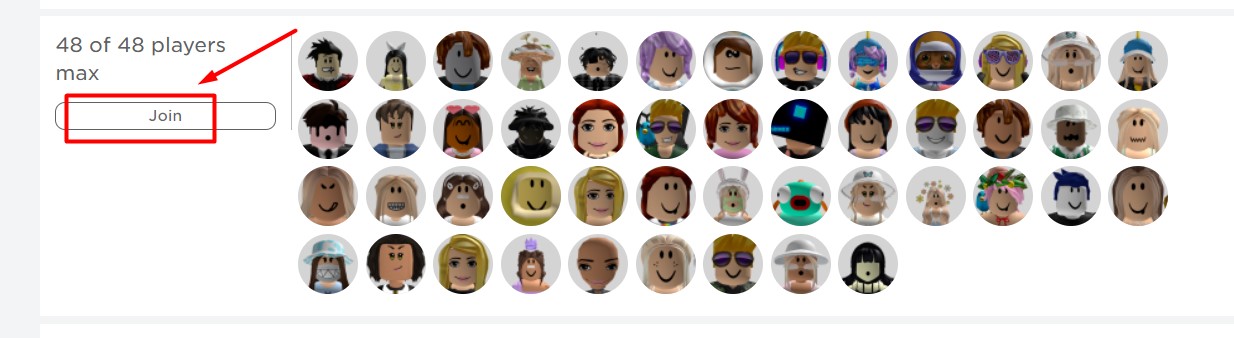
- Click on the ‘Join’ button and wait for a while to get connected to the trading servers.
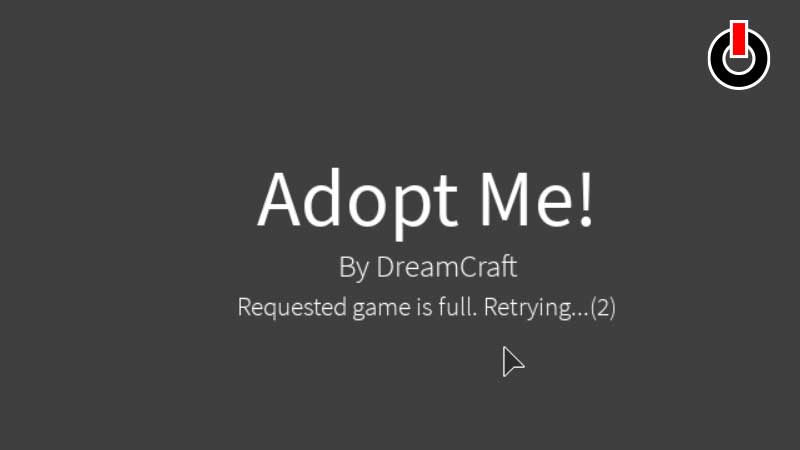
- It might take a little bit of time but it is surely worth waiting.
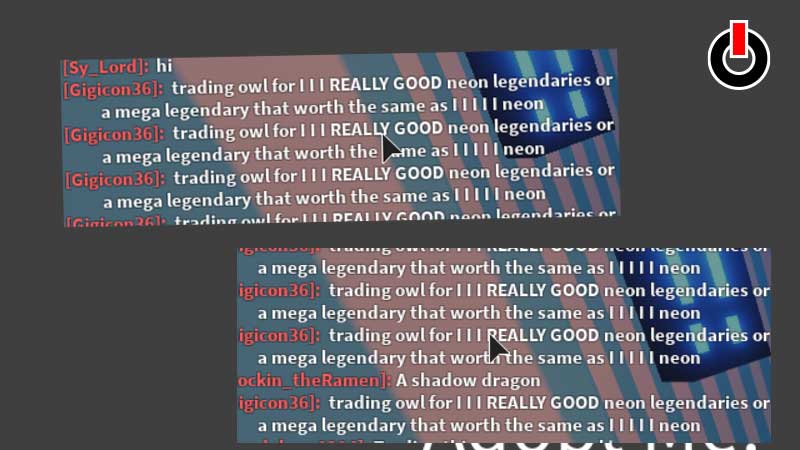
- Once joined a trading server in Adopt Me, you will find a lot of people talking about trading in the chat option.
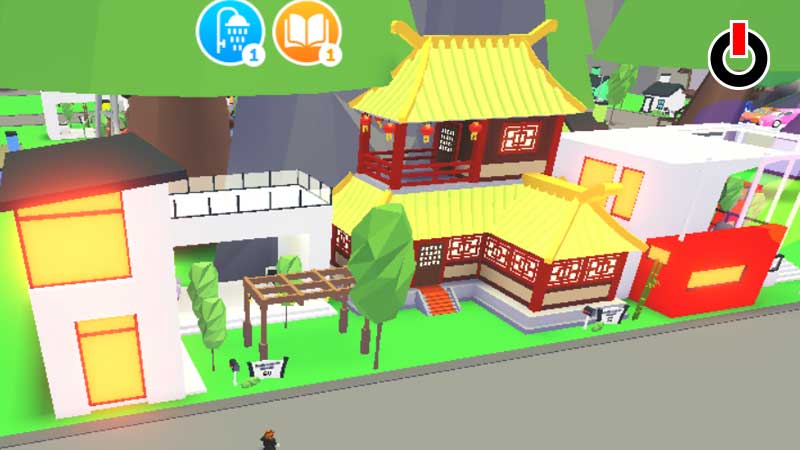
- The next thing you will have to do is get outside of your home. There, you will find a lot of luxurious and lavish houses, indicating that you are playing the game on the rich server.
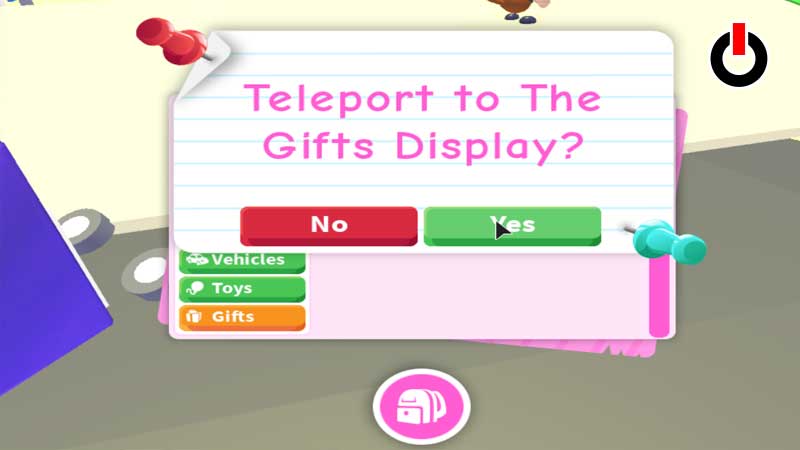
- Now, you will have to teleport to Gift Display. To do so, you will have to click on the Bag button and select the ‘Gifts’ option.
- Doing this will teleport you to a Gift Display.
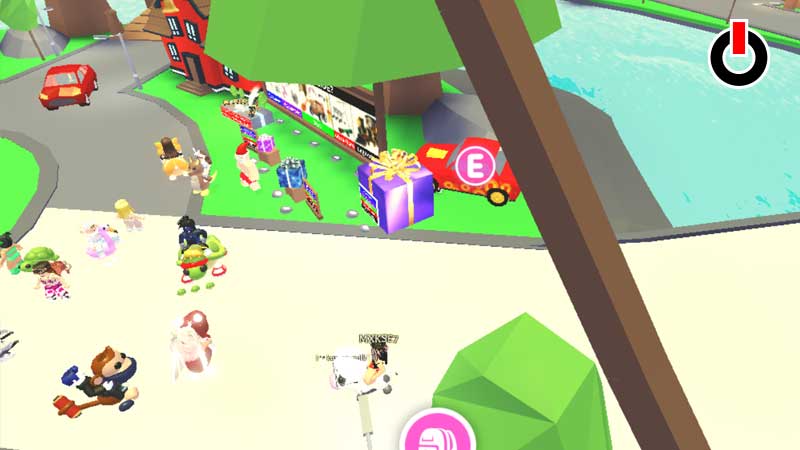
- Once you get there, you can buy gifts, trade items, and ride vehicles.
That’s everything you need to know about how to join trading servers in Roblox Adopt Me.