
Players are troubled due to an issue which doesn’t let them play Fall Guys. This issue is called Different Content Version Error. In this error, the game won’t start . This error is something that occurs within the games files because of which you can’t play the game. But, don’t fret, in this guide, you will see some tricks and temporary fixes to the Different Content Version Error in Fall Guys.
Different Content Version Error in Fall Guys
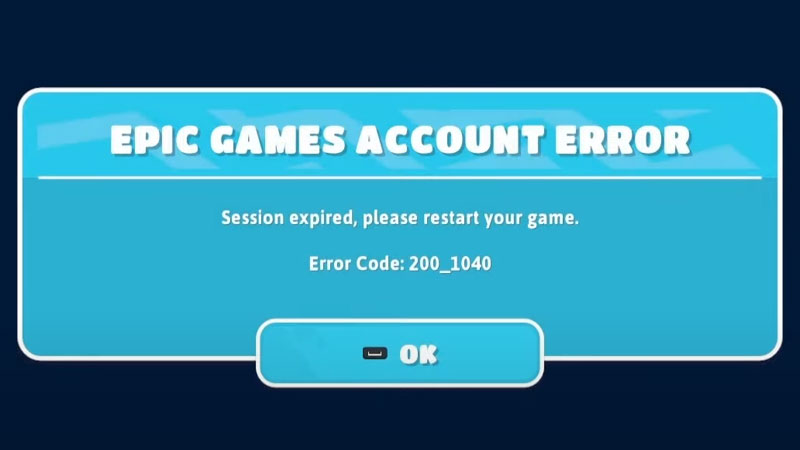
As mentioned earlier, this error tends to be occurring in the game files that are downloaded when you install the game. It may be that some of the files were tampered with any viruses or may even got deleted by mistake. This particular issue occurs while playing the game on Nintendo Switch and PC. So, if you have encountered such an error before, you know how annoying it is. And hence, you will see the list of fixes below which you can try to tackle the Different Content Version Error in Fall Guys.
- Play the game as Administrator – This helps you to take full control and tackle the issue to the roots.
- Check if your Graphics Card supports Fall Guys – This could be one of the reasons the glitch may be appearing.
- Recheck the files that you have downloaded – Maybe you have downloaded a corrupt file and you may need to reinstall it again.
- Check Internet connectivity – If it fluctuating, wait for some time and then try again.
- Restart your game, if it still doesn’t work, restart your device – Close the game and open it again, this usually solves the issue but if it doesn’t, restart your device and try again.
These are some of the ways that might help you escape this problem. Hopefully, this article was helpful to you. While you’re here, you can go ahead and check out more such guides on Gamesadda website.