
Fau-G (Fearless And United Guards) was released in India as an alternative for all PUBG lovers. The game has become an instant hit and has successfully surpassed over 1 million downloads on the Google Play store in less than 24 hours. The company has also announced that the game will also have a PC version coming up soon.
With Bollywood Superstar Akshay Kumar collaborating and promoting the game, it is not shocking that the game has become such a hit. Players are liking the concept and the craze for the game is quite obvious with the number of downloads. While some felt that the game won’t be able to beat the craze that Pubg had results show otherwise.
Supporting PM @narendramodi’s AtmaNirbhar movement, proud to present an action game,Fearless And United-Guards FAU-G. Besides entertainment, players will also learn about the sacrifices of our soldiers. 20% of the net revenue generated will be donated to @BharatKeVeer Trust #FAUG pic.twitter.com/Q1HLFB5hPt
— Akshay Kumar (@akshaykumar) September 4, 2020
Players have been actively searching for FAUG and looking for alternative ways of playing it. The game is yet to be released in the Windows version, but here is a way that you can use to download Fau-G for PC.
Also Read | Top 5 Best Offline Games Like PUBG Mobile Lite
Table of Contents
How To Download Fau-G For PC
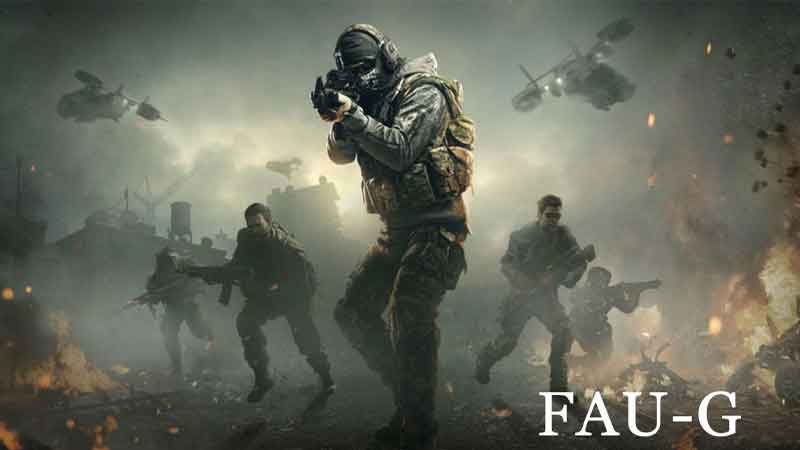
In order to download the game on PC, you will first have to download the emulator that can run the android apps. After which you will just have to follow few simple steps to get Fau-G on PC.
- Go to: https://www.bluestacks.com
- Download and Install the emulator.
- Sign in with the help of your Gmail account and get access to the google play store.
- Search FAU-G and click the Install button.
- Launch the game and enjoy Faug on PC.
With this, you will be able to enjoy the game on your windows without having to wait for the release of Fau-G for PC. While here check out our article on FAU-G Tips And Tricks To Win The Game.
FAQ’s About Fau-G
Q1. Is FauG available for PC or Mobile?
Ans: The game is yet to be available for PC and is only there for Android users. The company has announced that FauG for the PC version will be coming out soon.
Q2. How can I get FAUG for PC or windows?
Ans: Officially a PC version of the game is yet to be released, But if you wish to play the game on PC you can go ahead and try the above method.
Q3. What is the release date of the game Faug?
Ans: The game has already been released on 26th January 2021 for Android Users.
Q4. Can you play Fau-g offline?
Ans: The game is an online multiplayer action game like Pub-g and is not possible to be played with a proper internet connection.
Q5. What is Faug based on?
Ans: The game is set to make people realize the sacrifice done by the Indian Army.