
Pokemon Showdown is a battle simulator where players can build their Pokemon dream team to take into different match formats. However, there are some things you need to keep in mind when building a team. In today’s article, we will explain how you can build a team in Pokemon Showdown.
How To Build A Team In Pokemon Showdown?
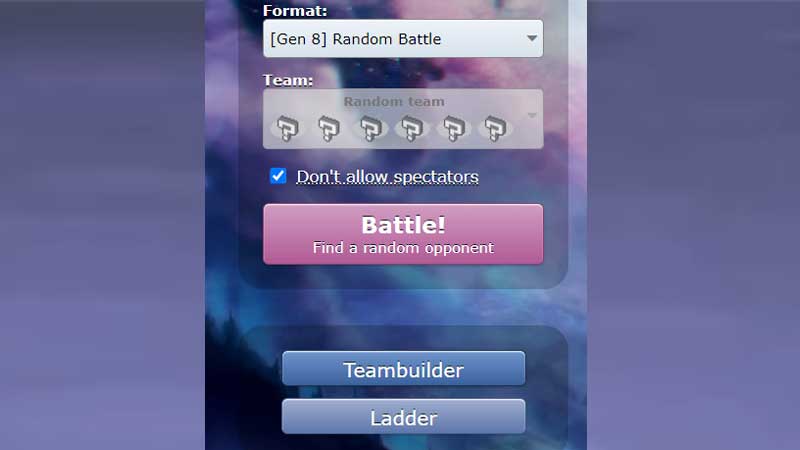
You can use the TeamBuilder option to build a team in Showdown. However, building a team involves more than just picking out selected Pokemon. You will also need to consider what item, ability, and moves for the Pokemon in the team. Moreover, you can also customize the HP, Attack, Defense, or other stats of each Pokemon in your team.
Let us take a look at how you can get started on building a team in Pokemon Showdown.
- You must go to the Pokemon Showdown site and select the TeamBuilder option.
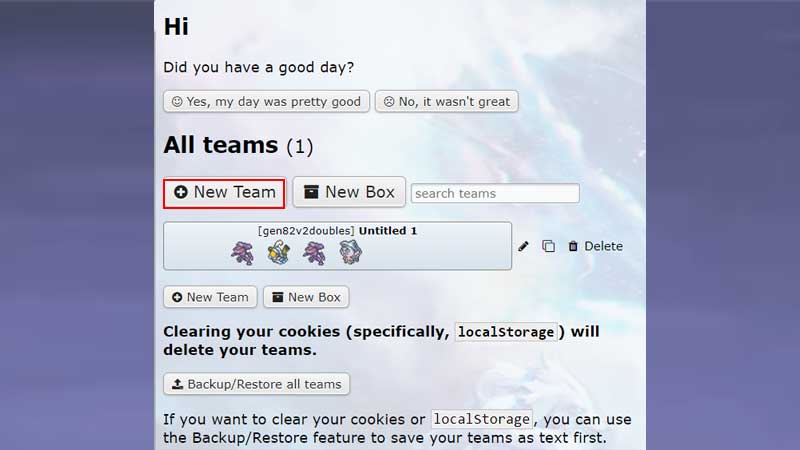
- Once you have clicked on the option, there will be an option to create a New Team.
- You must now select the format for which they want to create a team. This is crucial as not all teams are eligible for all formats. A team that works in 2v2 doubles format might not work in the Gen 8 Random Battle. A lot of Pokemon and moves are illegal in certain formats. You must keep all this in mind when creating a team.
- After selecting a format, you can start to add Pokemon to your team by clicking the Add Pokemon option. This will display all the Pokemon available and you can select your desired Pokemon.
- Once you have selected a Pokemon, you will have to select 4 moves and EV for them.
- You can add as many Pokemon as required by the format for which you are creating the team. For example, you can have up to 4 Pokemon for a 2v2 doulbes team.
- Once the team has been built, you must click on the Validate option to see if the Team is ready to compete.
- If the team is validated, you can go back and compete with the team for the format it was created for.
This is how you can build a team in Pokemon Showdown. For more guides related to the game, check out Pokemon Showdown: Useful Commands You Should Know