
Close Menu
    Facebook X (Twitter) Instagram
    • About Us
    • Contact Us
    • Privacy Policy
    • Disclaimer
    Facebook X (Twitter) Instagram Pinterest Vimeo
    Games Adda
    • Gaming
    • Tips and Tricks
    • Tech
    • Best Buy
      • Gaming Mouse
      • Headphones
      • Laptops
      • Smartphones
      • Smartwatches
    Subscribe
    Games Adda
    Home » Gaming » New State Unstable Connection
    Gaming

    PUBG New State Unstable Connection Error Fix: How To Solve Network Issue

    Mihir HateBy Mihir HateNovember 12, 2021No Comments2 Mins Read
    Share Facebook Twitter Pinterest LinkedIn Tumblr Reddit Telegram Email
    PUBG New State Unstable Connection Error Fix: Solve Network Issue
    Share
    Facebook Twitter LinkedIn Pinterest Email

    PUBG New State players have been complaining about an Unstable Connection Error. This is another new error in an entire series of problems that have been cropping up. Luckily, this time around also there are some pretty easy fixes that you can do. So, if you are one of the players facing this problem, scroll down and find out how.

    How to fix PUBG New State Unstable Connection Error?
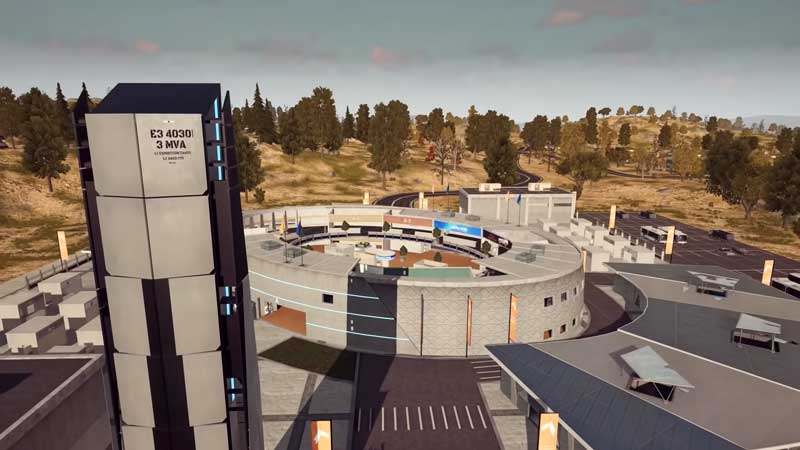
    PUBG New State Unstable Connection Error Fix: Solve Network Issue

    • Firstly, keep turning the network connection on and off on your individual device.
    • Make sure that there aren’t many devices connected to the same WiFi network.
    • Next, try restarting the WiFi router to negate any connection issues.
    • If this doesn’t work, try switching the connection from WiFi to Mobile Data.
    • Try running speed tests to make sure that there is a stable network connection throughout.
    • Also, do not forget to check if the game is up to date with all the latest patches. You can do this via your app store.
    • You can also keep restarting the game repeatedly until you clear the issue.
    • In theory, all of this should be able to fix the PUBG New State Unstable Connection Error.

    The Unstable Connection error usually will pop up when you have a fluctuating network connection. This will increase the ping to a high level. All of this will severely diminish your playing experience and you will experience laggy gameplay. However, sometimes, this error is also caused as the servers might be overloaded. New State was facing server issues on launch, however, they seem to be fixed for now.

    This is everything that you need to know about the PUBG New State Unstable Connection Error. While you are here, you can also have a look at some other error fixes such as the PUBG New State Login Error Fix and PUBG New State Not Available In This Region Error Fix.

    Mobile Games PUBG New State Guides Tips and Tricks
    Share. Facebook Twitter Pinterest LinkedIn Tumblr Email
    Previous ArticleForza Horizon 5 DMC DeLorean Glitch: Get Back To The Future Legendary Car
    Next Article Blue Archive Leveling Guide For Progression: Level Up Fast!
    Mihir Hate
    • Instagram
    • LinkedIn

    Aimlessly roaming around Horizon 5 looking for Barn Finds.

    Related Posts

    Gaming

    From Lockdown Epiphany to India’s First “Phygital” Arcade: The Claw King Story

    August 19, 2025
    Gaming

    The Biggest Esports Tournaments to Watch in 2025

    March 25, 2025
    Gaming

    Experience Elden Ring Like Never Before: Ranni Demigod Backpack Mod

    July 10, 2024
    Add A Comment

    Comments are closed.

    Facebook X (Twitter) Instagram Pinterest
    • About Us
    • Contact Us
    • Privacy Policy
    • Disclaimer
    © 2026 ThemeSphere. Designed by ThemeSphere.

    Type above and press Enter to search. Press Esc to cancel.