
Battlegrounds Mobile India (BGMI) has eventually launched in India and millions of users are currently enjoying it to the fullest. There are tons of BGMI players who want to live stream the game but they are having trouble creating thumbnails and if that’s you then look no further as we have got you covered.
In this guide, we will teach you how you can create an impressive BGMI Live Stream Thumbnail on your Android phone. Yes, you don’t even need to have a PC or high-end smartphone to create a unique thumbnail for your BGMI live stream.
Also Read | How To Stream Battlegrounds Mobile India On YouTube?
How To Make BGMI Live Stream Thumbnails On Mobile?
If you want to create a thumbnail for your BGMI livestream then you will have to follow every step carefully. This might look complicated but if you follow the below-mentioned steps carefully, you will be able to create an incredible live stream thumbnail for Battlegrounds Mobile India.
- First, you will need to create a Pics Art application. If you don’t have it installed on your phone, you can download it by clicking on this link.
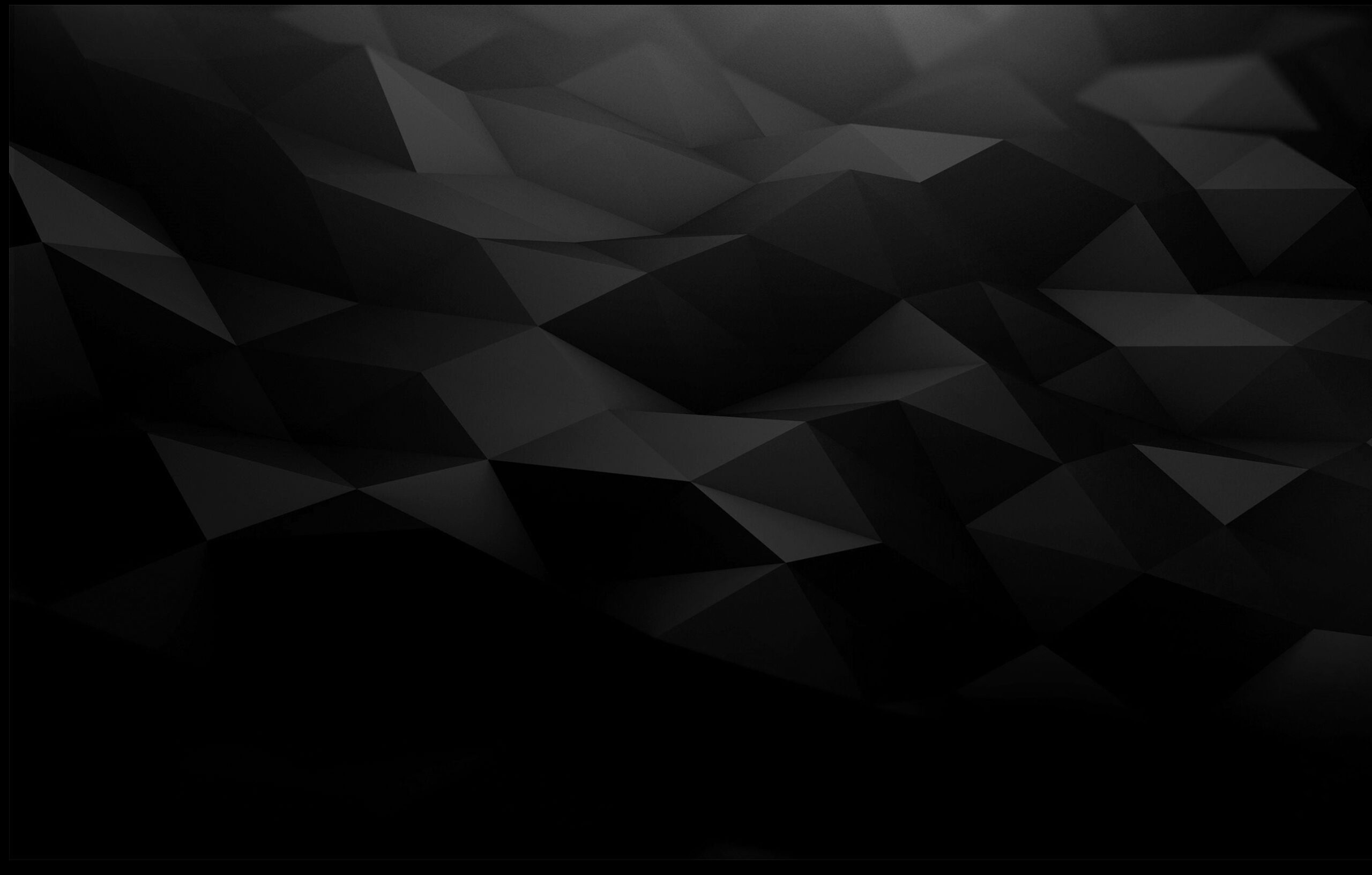
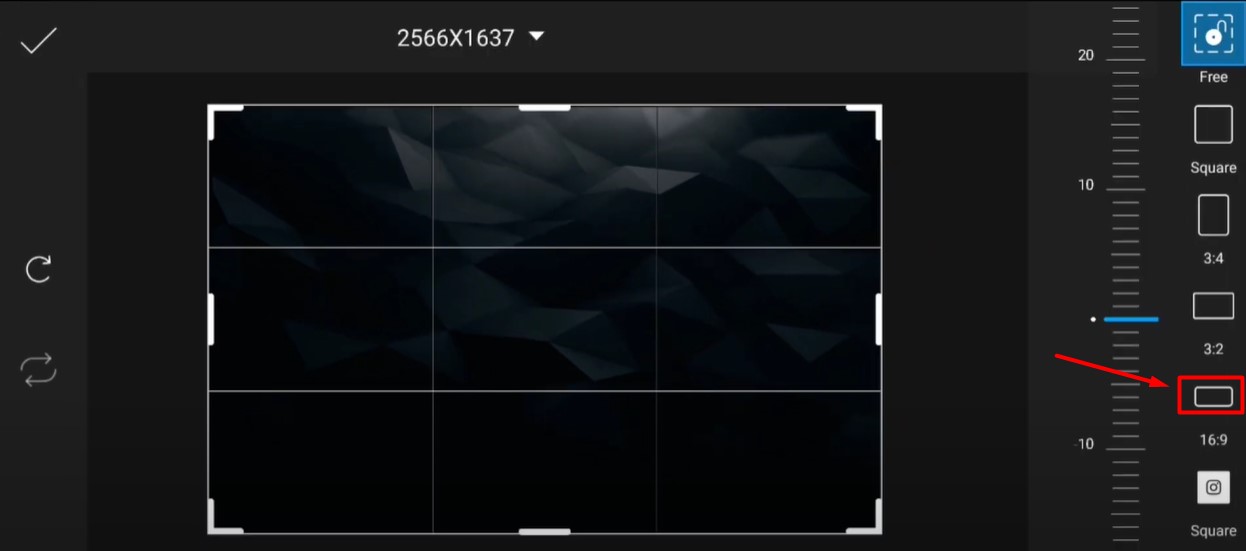
- Once downloaded and installed, you will have to launch the application and open the above background and set it to a 16:9 ratio.
- Once done, you will have to scroll down and tap on the Draw tab, and select Draw.
- Now, you will have to select the Draw option, located on the left side of the screen, and then select the desired color by tapping on the color icon as shown in the below picture.
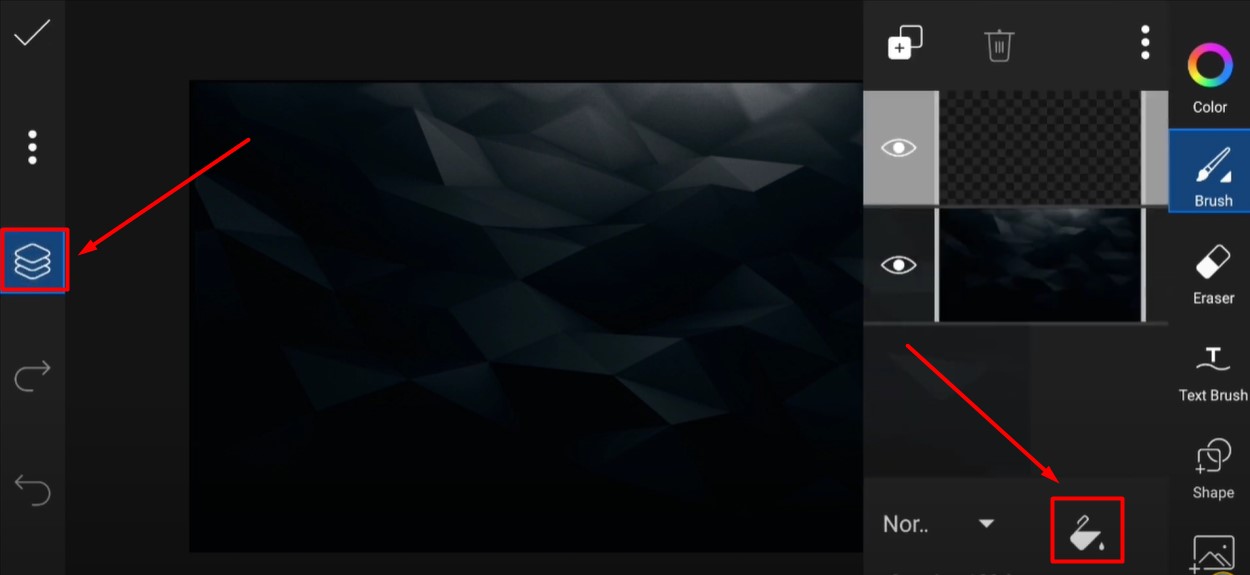
- Once you have selected the desired color, you will have to tap on the Nor.. option and select Layout.
- Now, you will have to add a PNG file by tapping on the Add Photo tab.
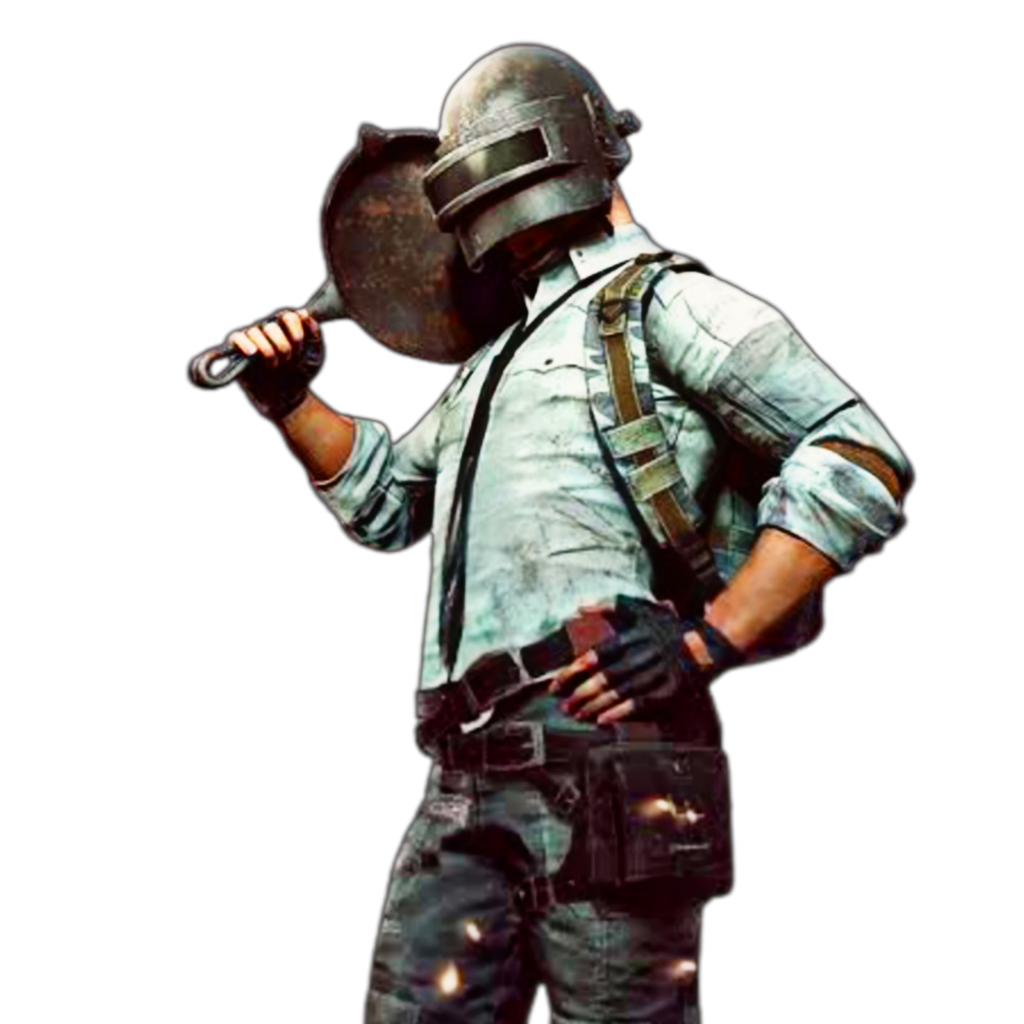
- Once you have successfully added this PNG, you will have to adjust it to your liking. Once adjusted, tap on the Lens option and add any of the following lenses.
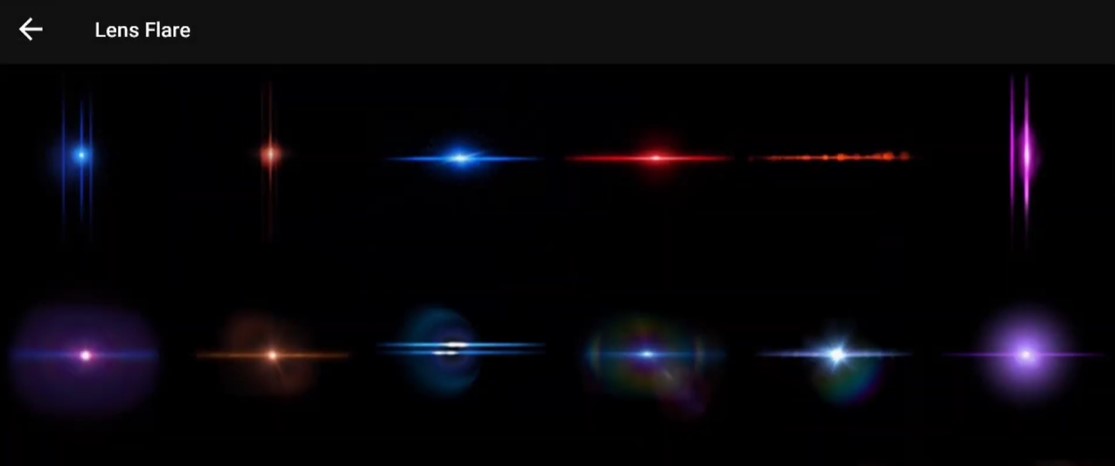
- Once you have selected a lens, you will have to adjust it to the bottom right corner of the screen and change color by increasing its Hue.
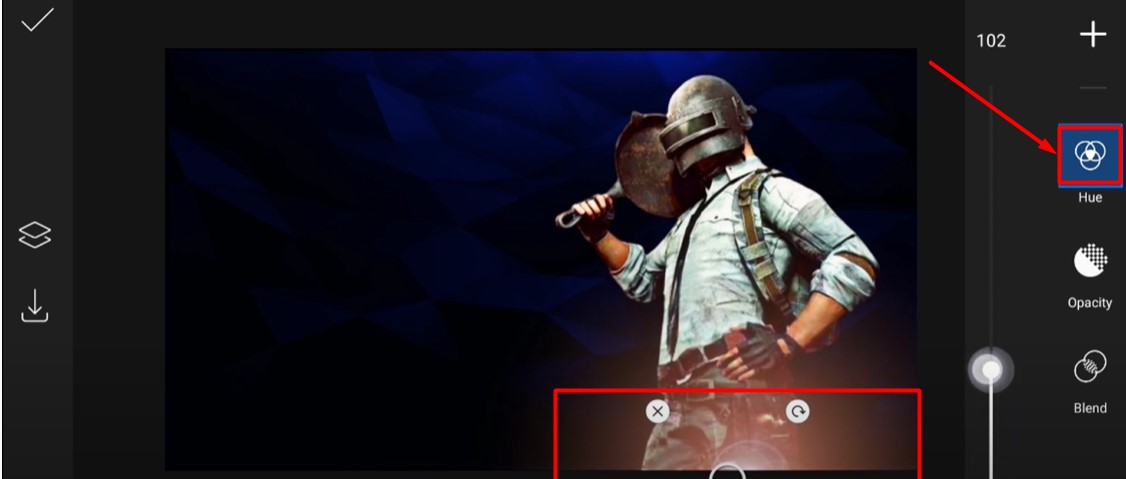
- Now, you will need to add yet another lens, which you will have to adjust at the backside of this PNG file. You can download the PNG file by clicking on this link.
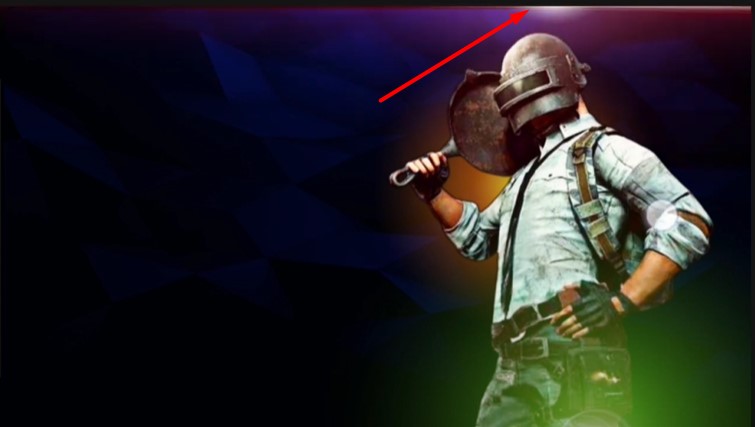
- Add one more lens and adjust it at the top.
- Once done, you will have to add the logo of Battlegrounds Mobile India and adjust it on the screen.
- Now, it is time to add text. We will use a unique font that can be downloaded by clicking g on this link.
- Once downloaded, use this font and write what you want to write on your BGMI Live Stream thumbnail.
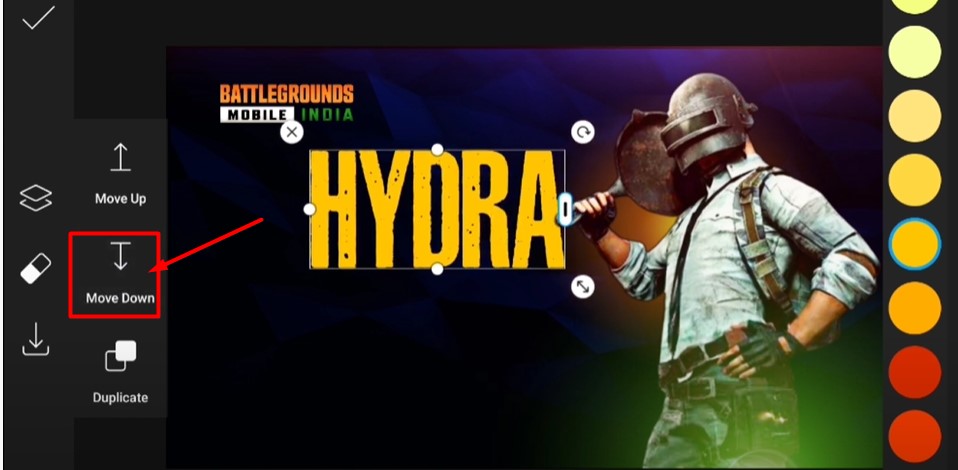
- If the PNG file is coming on another PNG, tap on the Move Down tab.
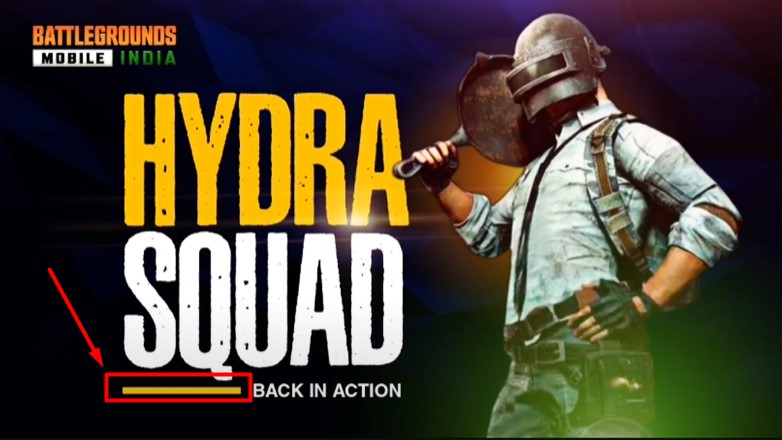
- If you want to add the Yellow line similar to the above picture then you can save it by clicking on the picture below.
- That’s it. You have successfully created a BGMI live stream thumbnail.
If you are still having trouble creating a live stream thumbnail for BGMI then you can watch the following YouTube video.
Courtesy: Vaibhav Creates YouTube Channel.