
If you’re having trouble to log out of Reddit account, we have got you covered. In this guide, we have explained how you can sign out of your account on your mobile phone and desktop. A lot of users have been searching to know about this as, apparently, the ‘Log out‘ button was misplaced or maybe removed.
This caused a stir on the internet and Reddit itself. Well, all you need to do is go through this guide and learn more about the same.
How to Log Out of Reddit Account on Desktop
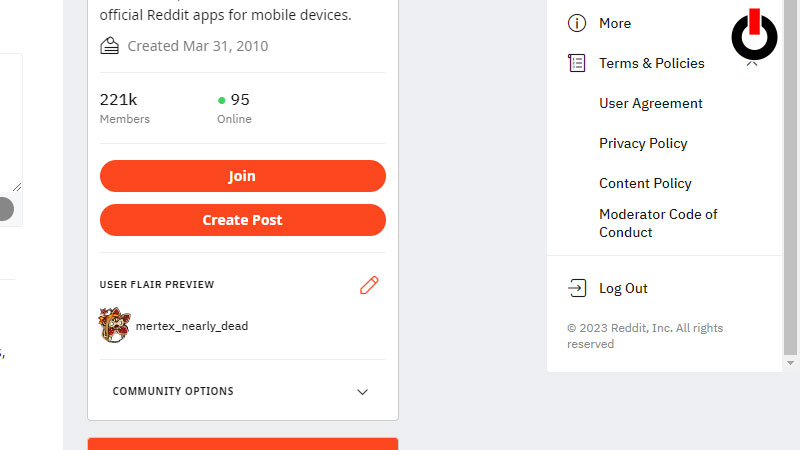
- Go to the browser where you’re logged in to Reddit
- On the top right corner, click on your profile
- A drop down list of options will appear
- Scroll to the end of the list
- Click on the Log Out button
If you’re not able to see the log out button, follow the below-mentioned steps.
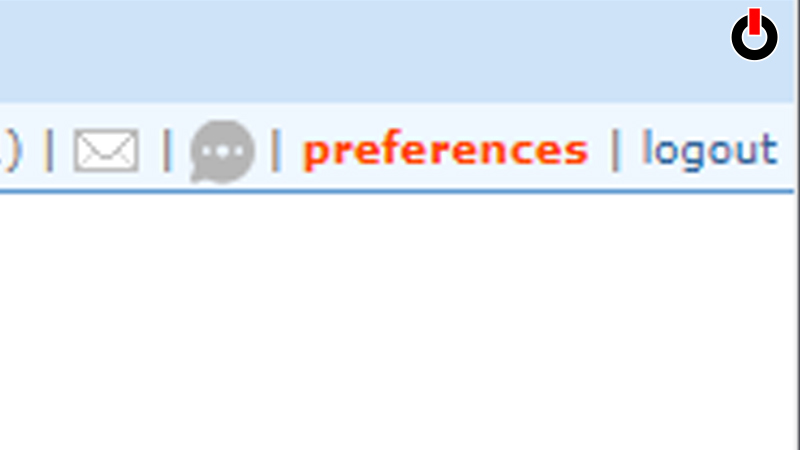
- Go to the browser where you’re online on Reddit
- On the top right corner, click on your profile
- A drop down list of options will appear
- Locate User Settings and click on it
- Scroll to the bottom and find ‘Opt Out of the Redesign’
- Toggle the button On
- A dialogue box will appear, click on ‘Opt Out’
- On the top right corner, click on the Logout button
How to Sign Out of Reddit on Mobile Phone
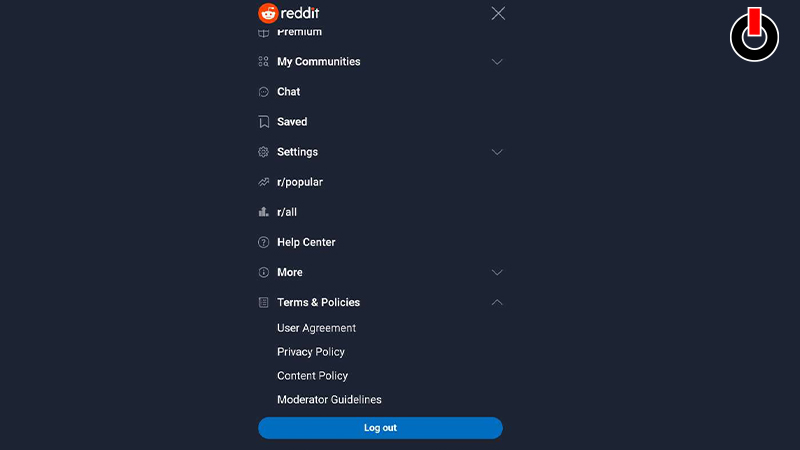
If you’re using the reddit website on your mobile phone, follow the steps given below.
- Open the Reddit tab on your browser
- On the top right corner, click on the three horizontal lines
- Scroll down to the end of the list
- Click on the Log Out button
If you’re using the app, follow the steps given below.
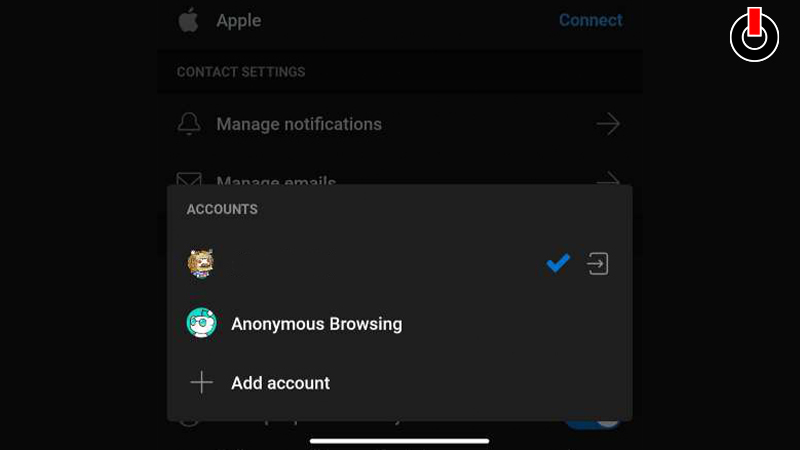
- Launch Reddit app on your mobile phone
- Click on your Avatar in the top right corner
- Tap on the Settings menu
- Click on Account Settings
- Go to Switch Accounts tab
- Tap on the log out icon
- Click on ‘Log Out‘
This is how you can log out of Reddit account on mobile phone and desktop. Hopefully, this guide was helpful to you. While you’re here, you can go ahead and check out other similar articles such as How to Search Comments on Reddit? and How to Change your Username on Reddit?