
Many people have been using Google meet especially since the beginning of the Pandemic. With everything being online there is a lot of load on Google meet servers as well. Users have encountered many errors and the Network error is one of them. The screen shows network error and asks users to check their Firewall settings. Let’s see how to fix the Google meet network error.
How To Fix Google Meet Network Error?
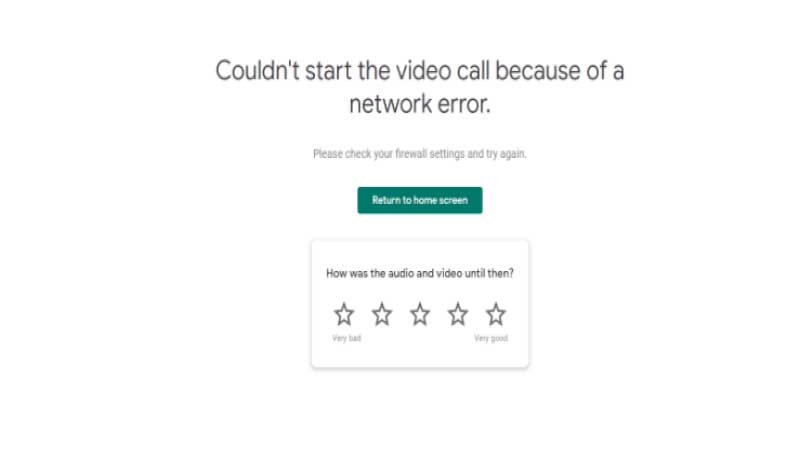
While there are multiple solutions across the internet one of the easiest is related to E-safety solutions. E-safety solutions is a type of digital protection program that organizations use to protect their systems and data from viruses. You might be getting the Network error because the e-safety solution of your device would be blocking the meeting.
This can be because it might have misread the IP from which the call is made, or there are many other reasons as well. Users can simply try attending the meet from a device or just disconnect their system from the E-safety solution.
In case you have an antivirus on your system try shutting it off and then attend the meeting. Antivirus is famous for misreading applications and files which is why it might be blocking your meeting.
While these were some rock-solid solutions before any of these you can always try logging into some other device and attend the meeting. Another easy solution is you can always try restarting your system, it might work might not but you can always try it.
One major reason for the error can be the Internet connection you are using. The provider might have misread or just blocked the meeting because of a mistake, change the network, and then try attending the meeting again.
These were all the solutions you can use for the Google Meet Network Error, do check out our article to know how to fix the Windows update error 0x80070643.