
Discord serves as a VOIP i.e virtual phone system used globally for thousands of its users to connect with their friends and family. It is a popular platform used especially by games to communicate with teammates or friends across the world. Discord allows all its users to connect with each other through voice, chat, and video calls along with its plenty of amazing features.
Emojis are one of the best and quick ways of communicating through small artwork. These emojis are used on Discord and all the other messaging platforms to convey or express their message, feelings, emotions.
Discord gives a chance to all its users to create their own emoji and share it with their friends to make all your conversations interesting by adding a spice of emojis. So, if you want to create your own customized emojis then look no further as we have got you covered. Here is a list of all the best Discord Emoji Makers.
Without any further ado, let us get started with it:
Best 5 Discord Emoji Makers In 2022
1. Bitmoji
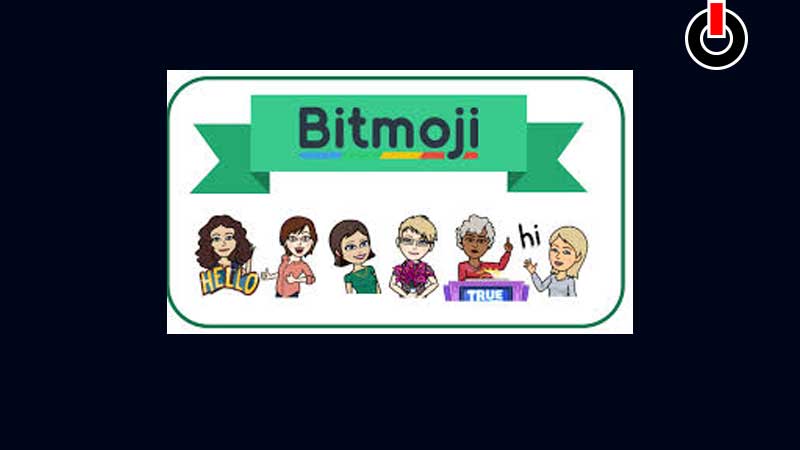
Bitmoji is a popular application available to download for free on Google Play Store and Apple App Store. It allows you to create your own little avatar using thousands of options to customize. From your hair to toe, it has everything you are looking for to create your best avatar ever. Apart from that, it has plenty of emojis that you can share on any application you want.
2. Zmoji
Zmoji is another fascinating app available for a mobile device that helps you create emojis using your own pictures. You can simply click your photo and make an emoji out of it or can select a photo from your gallery and customize it according to your will. Zmoji has both free and premium versions, but we suggest you stick to the free version is alone enough to play around with your imagination.
3. Kapwing
This is a free platform that let you edit your images, videos, make GIF’s and make emojis for free. This is one of the best free Discord Emoji Maker that let you access all its tools for free and create your own emoji that you can share on Discord or any other application. Unlike Bitmoji and Zmoji, Kapwing is also available to download and use on PC with all its amazing features.
4. MakeEmoji
Looking for an effortless Discord Emoji Maker? Then you must try using MakeEmoji. This is a free site where you can create your own animated emoji or download emojis that are already made for free and share it on Discord or anywhere you want. It has plenty of options for you to choose from that you can customize according to your imagination.
5. Own3D
Own3D is one of the most popular sites among all gamers and streamers, especially twitch streamers. It’s a emote maker site where you can create your own emoji and share it during your steams, use it in your videos, or can send it on Discord to express your feeling or emotions with just one click. It has infinite options for you to hover through and create your unique emote for free that you can share it use everywhere you want.
That’s all about the best Discord Emoji Maker. Check out another article on the best Discord Bots for servers to enhance your experience on Discord.