
Did you try to listen to music while playing your favorite battle royale game PUBG Mobile or BGMI but were unable to play it? There are many people around the globe facing the same issue and not being able to enjoy games and music simultaneously. But don’t worry here is a solution to fix your problem.
In this guide, we will teach you how to listen to music while playing Battlegrounds Mobile India (BGMI) and BGMI on your Android and iOS devices. Without any further ado, let’s get started:
PUBG Or BGMI: How To Listen To Music While Playing Game
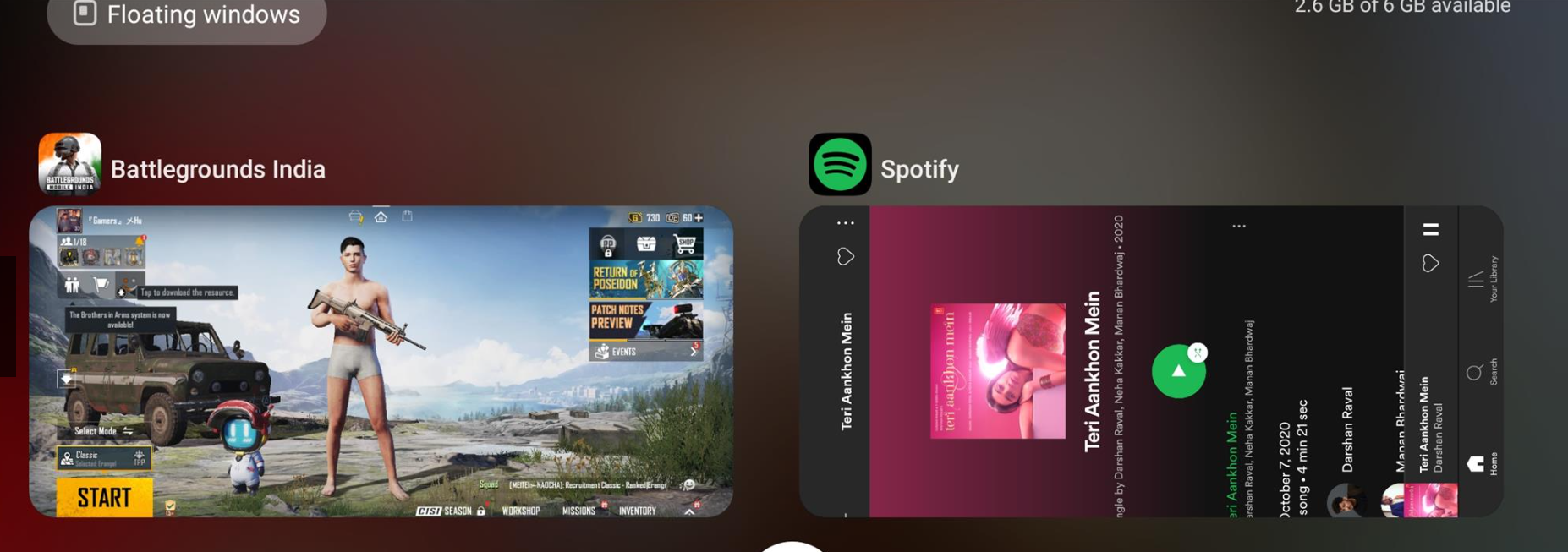
We have got all the fixes for you to play your favorite music and game simultaneously on your mobile. Here are the steps to do the same.
Note: Make sure you are not using earphones or headphones on your mobile device while trying the following method.
- Open any music app (Spotify, Gaana & Wynk) which you use to listen to music on your phone and start playing your favorite song.
- Now minimize your music app and launch PUBG Mobile or BGMI on your mobile.
- Your music will stop immediately as you launch the game.
- Do not panic and just scroll down the notification bar and click on the play button again to start the music.
- Lower your game volume from the settings and enjoy uninterrupted music while playing games.
You can use the same settings not only in PUBG Mobile and BGMI but for any other Mobile game. All you have to is to put the game volume down and do not use earphones or headphones. This is everything you need to know about how to listen to music while playing PUBG Mobile Or BGMI.
PUBG has come up with a new update for all the colorblind people. The new update has come up with a feature called Colorblind Mode. You can activate this mode while playing the game to change the color of enemies blood. Check out this guide on how to change blood color in PUBG to know more about it.