
Minecraft is one of the popular titles in sandbox video games. It gives all its players the opportunity to create, build, mine, and craft things while exploring the never-ending map of Minecraft. If you have ever had your hands on Minecraft, then you must be aware of the various versions of Minecraft available online. So, if you are wondering what is ‘Minecraft Pocket Edition’ and how it is different from the Java or the PC version then you are in right place.
Here is everything you need to know about Minecraft Pocket Edition. Read this article till the end to know how to download it for your PC.
Also Read| Top 5 Best Factions Server In Minecraft
What Is Minecraft Pocket Edition?
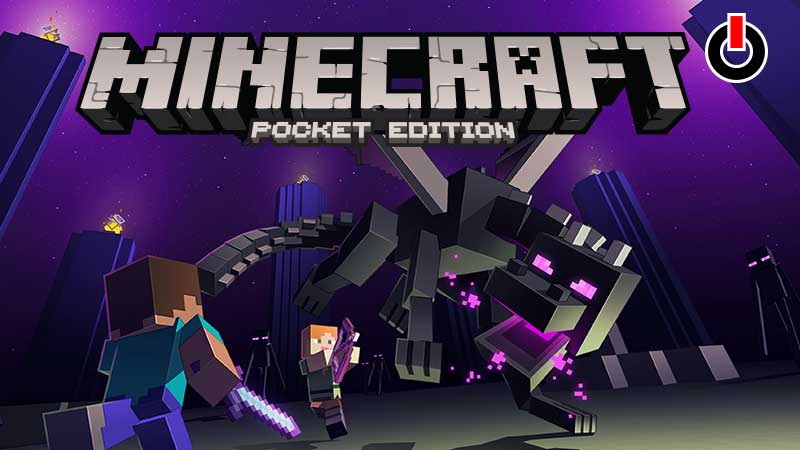
Minecraft Pocket Edition is a mobile version of Minecraft which is also known as the former title of Minecraft Bedrock Edition. It is designed especially for all the players who would love to enjoy their favorite Minecraft anytime and anywhere they want on their mobile phones.
The Pocket Edition has plenty of features to offer along with smooth FPS and on-hand experience. It also has an in-app purchase option that lets players buy all the exclusive skins and resources that they need in the game. Pocket Edition is multiplayer that runs on an invite-only feature to maintain your privacy and choices in the game.
That was all about the pros or benefits of Pocket Edition, let us see some demerits of playing Minecraft on mobile. One of the biggest drawbacks of the Minecraft Pocket Edition is that it is the last version that is updated when the new features are added to the game. Apart from that players cannot install any third-party mods or connect to different servers from the mobile version.
Steps To Download Minecraft Pocket Edition For PC:
The first step to download Minecraft Pocket Edition on PC is to download an Android Emulator like Bluestacks. Open any browser on your PC and download Bluestacks or any android emulator that you are comfortable with. Once you get there, log in or sign in to the Google Play Store using your email ID and Password.
Now, search for “Minecraft Pocket Edition” in Google Play Store in Bluestacks and install it on your PC. Once the game is successfully installed, launch the game and enjoy playing it on your PC.
If you do not want to download the emulator you can also try and look for third-party sites that help you download Minecraft for free! But, as the Pocket version is created to be used on Mobile Phones we suggest you stick to the same and enjoy it anywhere and anytime you want!