Do you guys know that you can play games on TV? And how to play games on Android Tv? Wanna know the setup process for the same? This then guide is just what you guys will need. With the increase in technology, it is easy to access most of everything. And android stands on the top as the most liked operating system. Along with mobile phones now you can find various other devices running with the help of the Android operating system.
Also Read | Top 7 Best Nintendo Switch Games
How To Play Games On Android TV – 2022 Updated
Android TV has various functionality and one such function of this device is that it gives access to the users to make use of various Google services. You can browse all you want and can even access the play store if you want to. If you have been wondering that playing games o Android will have you use mirroring then you are completely wrong. Android TV is so capable that you can run the game that you wish to play.
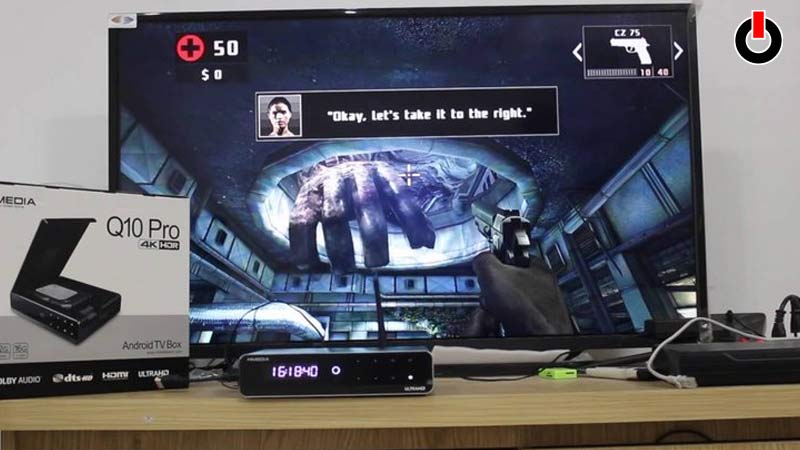
From a small screen of a mobile, it becomes extremely beneficial to have a comparatively huge screen to enjoy the best gaming experience. For this, you will just have to follow the below-given steps.
Step 1: Turn On your Android TV
Step 2: Click on the Home Screen.
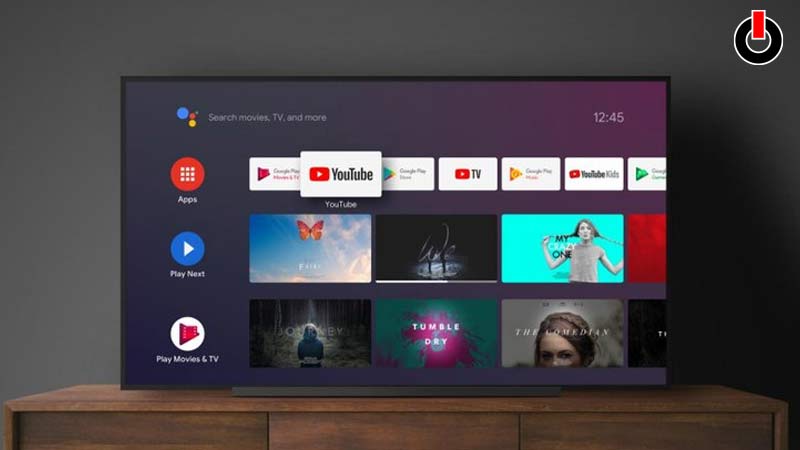
Step 3: Select the Apps section located at the left-side corner of the screen.
Step 4: Open Google Play Store and press the Get More Apps option or on the Play Store Icon.
Step 5: From there open the games category option and search for the game that you wish to play from the library.
Step 6: Once you have selected the game click on Install to download it.
Tips On How To Play Games On Android TV
- Make sure that you check the description of the game to see if meets the requirement to be played on TV.
- Do give a try at the free trial games which could give you an idea of the game before making a purchase.
- Find and browse through the whole library to get that perfect game.
- Give a try to the games we have mentioned below.
Top 3 Games That You Must Play On Android TV.
If you are confused about which game you need to pick then do give it a try at Our list of Top 3 games.
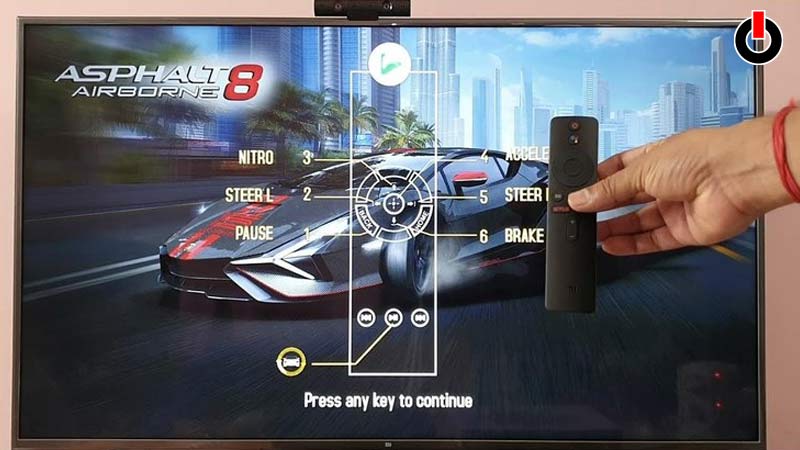
Asphalt 8: Airborne
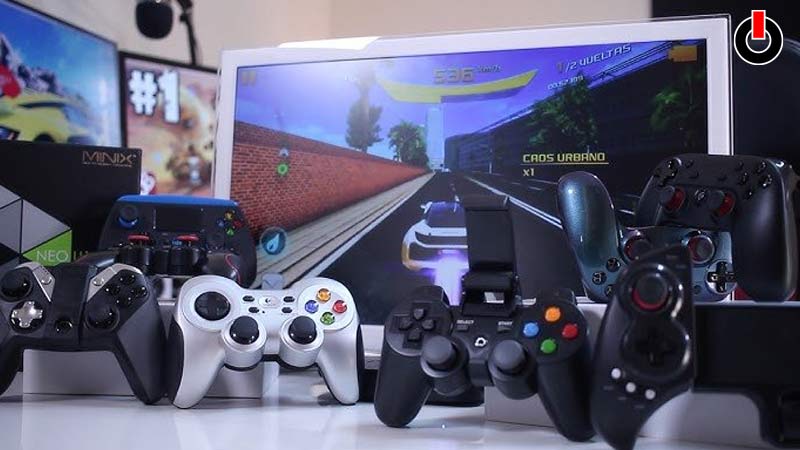
The game is quite fun to play and comes in both local (and online) multiplayer mode. This will go well with your taste since it will also detect the control scheme for your gamepad.
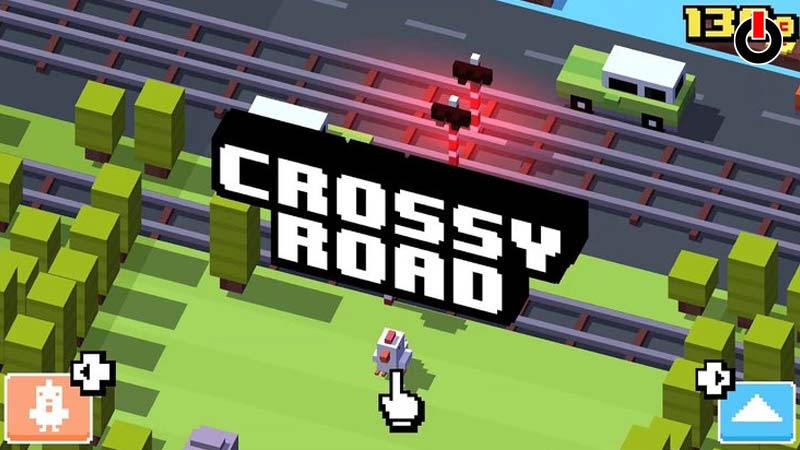
Crossy Road
This game is definitely gonna get you hooked to it completely. It is fun to play and quite addictive if we had to describe just how good the game is. Also make sure you play this game with the Android TV remote, rather than a gamepad.
Dead Trigger 2
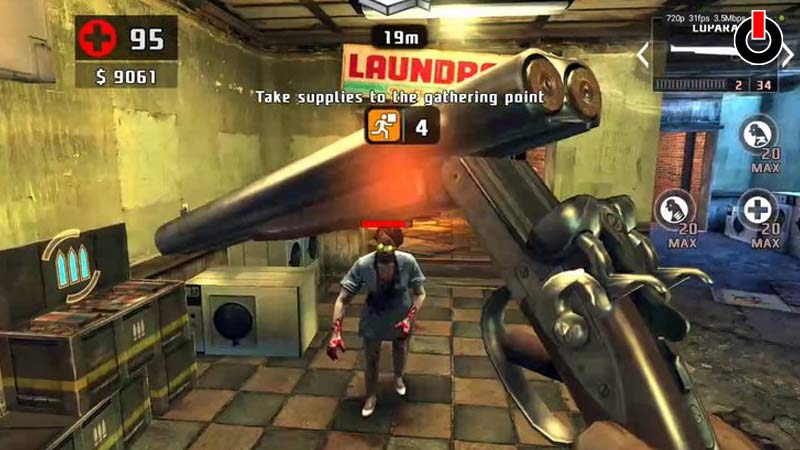
Dead Trigger 2 is an FPS survival game, set in a world torn apart by a global zombie apocalypse. The game design and concept make it quite a good game. You will be needing a gamepad to play this game.