
The Football Manager 2022 Real Name Fix will get your FM22 database up to date. This is an issue that is more of an aesthetic and visual problem for players. This occurs because of certain licensing issues that face FM22. Luckily, there is a way to get around this. With a few add-on mods, you will now be able to see all the updated squads. Let’s find out more!
How to fix the Real Name in Football Manager 2022?
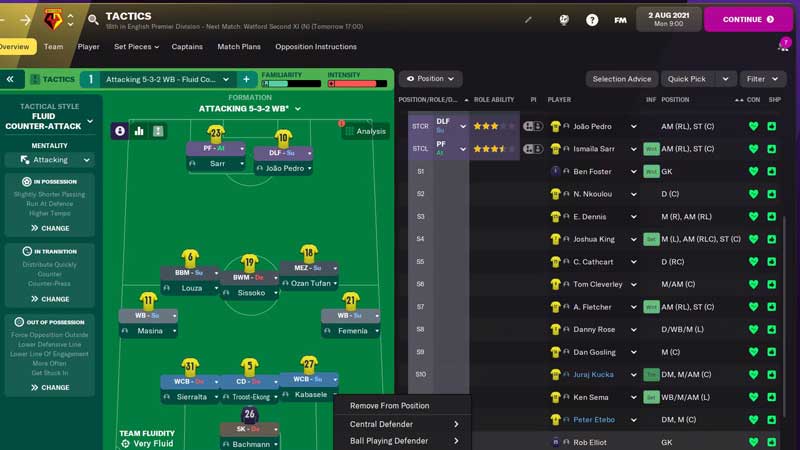
- First, you will have to go to fmscout.com and look for the Download option on the top of the screen.
- Click on the download button and wait for the.zip folder to arrive.
- Now find the 2210 folder. The locations for these are:
- Steam Windows: \Program Files (x86)\Steam\steamapps\common\Football Manager 2022\data\database\db\2210\
- Epic Games Windows: \Program Files\Epic Games\FootballManager2022\data\database\db\2210\
- Steam Mac: /Users/[username]/Library/Application Support/Steam/steamapps/common/Football Manager 2022/database/data/db/2210/
- Epic Games Mac: /Users/Shared/Epic Games/FootballManager2022/database/data/db/2210/
- Now, open the ‘Inc’ folder and enter in the ‘All’ sub-folder.
- After this delete all the files in this folder.
- Now, extract and move the FM22 Fix by FMScout.lnc and FM22 Club Names by FMScout.lnc to the ‘All’ folder.
- Go 2 folders out and look for the ‘edt’ folder.
- Open this and go over to the ‘permanent’ sub-folder.
- Over here delete the ‘fake.edt’ file.
- Go 2 folders back again and look for the ‘dbc’ folder.
- Look fo the ‘permanent’ sub-folder and delete the following:
- zebra award.dbc
- zebra turin fake staff.dbc
- brazil_kits.dbc
- forbidden names.dbc
- Licensing2.dbc
- Licensing2_chn.dbc
- Now, open Football Manager 2022 and you will fix the real name issue.
Another point for you to note is the fact that for Juventus and Brazilian clubs, you will have to create a new save. Players usually look for a new name fix because FM22 doesn’t have the updated player and club names. This is because all the licensing is currently with FIFA and PES.
Warning: You should remember that this is not an official fix for the name error. So, beware of all the information you share as well as the downloads you make for the same.
What does this mod fix in FM22?
- Fixed club names from all continents.
- Corrected major league names.
- Non-playable Europe Top Leagues club names updated.
- Updated minor league names.
- Continental, National, and National Cups names.
- Continental awards updated.
- Updated stadium names.
This is everything that you need to know about how to fix the real name in Football Manager 2022. Here at Games Adda, we cover all your favorite games, so do have a look at our Gaming Guides.