
PUBG is a popular battle royale game that has acquired a massive player base. However, not all devices can run the game smoothly after downloading. From space to graphics, there are a number of reasons why players might not be able to enjoy PUBG Mobile. However, is there a way to play PUBG Mobile without downloading? That is the topic we will be covering in today’s article. So read on to find out how to play PUBG Mobile online without downloading.
Play PUBG Mobile Online Without Downloading
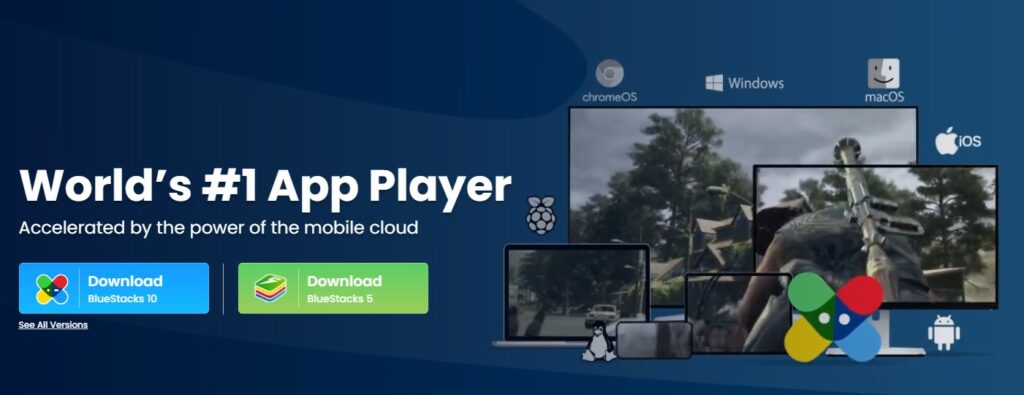
There is no straightforward way to play PUBG Mobile online without downloading it. However, it can be done by downloading Blustacks on your PC. Bluestacks is a cloud gaming service application that allows players to enjoy mobile games on their PC. As an added bonus, Bluestacks offers more than 200 games that players can enjoy in addition to PUBG Mobile. Players will have to download Bluestacks to their device in order to play PUBG online without downloading though.
Follow the steps below to download Bluestacks and play PUBG Mobile online.
How To Download Bluestacks On Your Device?
- Visit the official Bluestacks website.
- Choose whether you want to download Bluestacks 5 or 10.
- Complete the Sign-in process to access Google Play Store.
- Search for PUBG Mobile.
- Click and install PUBG Mobile.
- The game will now begin downloading and players can enjoy it once it’s done.
This is how you can play PUBG Mobile online without downloading it. While you can enjoy the PC version of PUBG on platforms like Stadia and Vortex without downloading, there are not a lot of options when it comes to PUBG Mobile. However, players should exercise caution when using Bluestacks to play PUBG Mobile on PC as it can often lead to a player’s account being banned. This is because Krafton discourages the use of unauthorized programs or hardware devices that are not permitted to level the playing field.
Do you wish to play Free Fire on PC? See How To Get Free Fire For Pc Without Bluestacks Or Any Other Emulator?