
There are millions of Free Fire fans who have been impatiently waiting for Garena to release Free Fire Max on Google Play Store and Apple App Store ever since the pre-registration started last month. The day has finally arrived and Garena launched Free Fire Max on both Android and Apple Store on September 28th, 2021.
There is no denying that Garena released Free Fire Max on both stores but fans are still having trouble downloading the APK file from there. Therefore, there are tons of fans who want to download Free Fire Max from a third-party store, TapTap and if that’s you then look no further as we have got you covered.
Also Read | Free Fire Max Login Problem: What It Is & How To Fix This Issue?
There are tons of fans who want to download Free Fire Max from TapTap but they don’t actually know how to do it and if that’s you then follow the below-mentioned steps:
How To Download Free Fire Max From TapTap?
Downloading Free Fire Max from TapTap is too simple. Those who have not visited TapTap yet and don’t know how to download an app and game from this third-party store then follow the given steps:
- First, download the TapTap application on your phone.
- Once downloaded, open it on your phAPKone.
- Once opened, type ‘Free Fire Max’ into the search bar. You can also visit the main page of the game by clicking on this link.
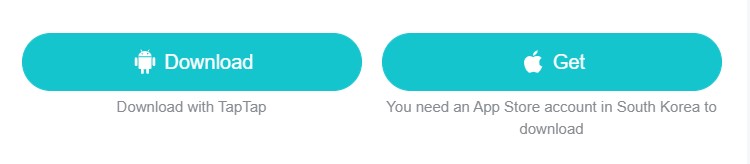
- Once you are on the main page of Free Fire, you will have to tap on the Downlaod button to download the game on your Android and iOS device.
- Tapping on it will start the downloading process.
- Once downloaded, make sure to turn on the ‘Install from unknown sources’ option on your phone.
- Once enabled, navigate the downloaded file and tap on it to begin the installation process.
- Once installed, you can enjoy the game.
- That’s it.
That’s all you need to know about how to download Free Fire Max in India on Android and iOS devices.