
Google has always been a part of our life. As being a part of our life, Google feels it’s their responsibility to collect every data they can and bombard you with the Ads. Lately, there has been a lot of controversy about spying and data leaks, so it has become our responsibility to keep our data safe. They target their audience especially based on the search history. If you don’t want to get spammed with ads, then you better keep clearing your search history. However, if you don’t know how to delete Google Search History on your phone, then we’ve got you covered.
How Can I Delete Google Search History on My Phone?
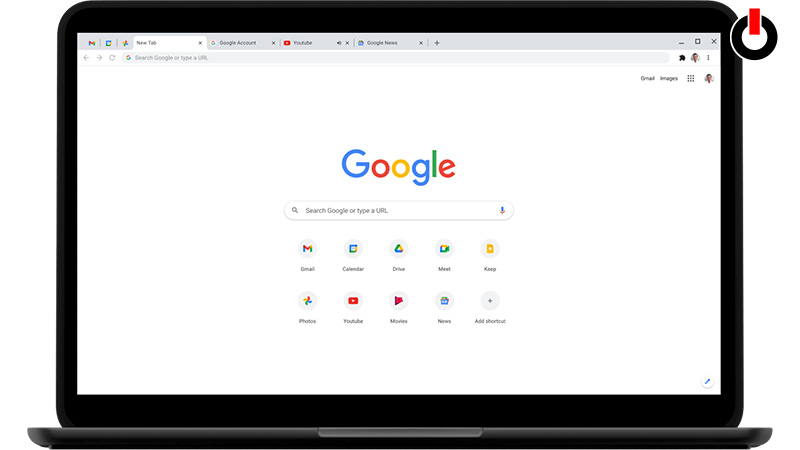
Here’s how you can delete your search history on your Android, iPhone, and PC/Laptop devices.
Delete History on Android
For deleting search history on your android phone,
- First, Open the Chrome app on your phone.
- Then, tap on 3 vertical dots located on the top right of your screen.
- And then, tap on History.
- After that, tap on the Clear Browsing data option.
- And then, select the time range according to your preference. In order to delete every search history tap on All time.
- After that, many Checkboxes will appear. To only delete history select Browsing History Box and deselect the rest of the boxes.
- After doing that simply tap on Clear Data, and you’ll be good to go.
Delete History on iPhone
To delete Google Search History on your phone, follow the steps given below
- First, go to the My Google Activity page.
- After that, tap on 3 lines locates on the top left of your screen.
- Then, select the time range according to your preference. In order to delete every search history tap on All time.
- After doing that tap on Next > Delete and you’ll be done.
- There’s also an option, where you can set an automatic search history Deletion, just by following the steps below.
- Navigate, Manage Your Account > Data & Privacy > History Settings > Tap Auto Delete > Next > and tap Confirm.
Delete Search History on PC/ Laptop
In order to delete search history on a PC/Laptop here’s what you need to do.
- First, go to Google Chrome and click on 3 Vertical dots located on the right side of your screen.
- Then, click on the History option.
- After that, all your Search History will appear on that page.
- Just a simple click on the Clear browsing data option, and all your data will be deleted.
This is all you need to know about how to delete Google Search History on your phone. If you want to know What’s the Salary of the Google CEO, then we’ve got you covered.