

When you log into Arena Breakout, players often want to set up their profile. This also sometimes involves the process to change your profile picture. In Arena Breakout, your profile picture is called your Avatar and you can also choose a different frame for your Avatar along with changing the picture. Here is how it is done.
How to Change Profile Picture in Arena Breakout
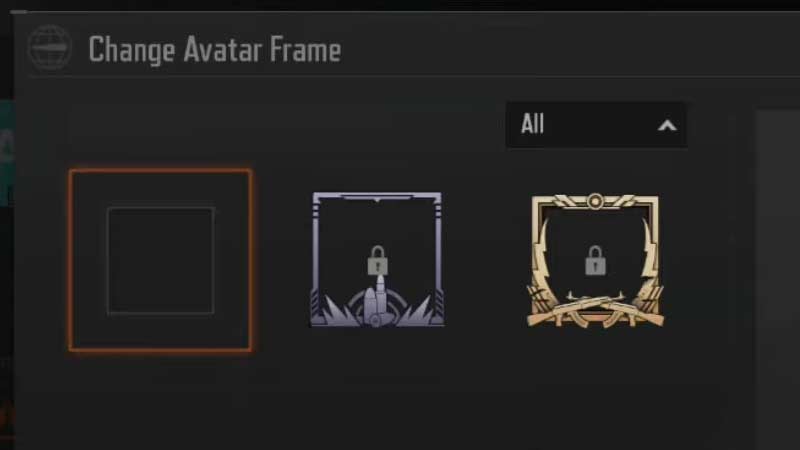
There is no in-game setting to change your profile picture in Arena Breakout. The game automatically uploads the profile picture that is linked to your Google account. You have to go to your Google account settings and change your profile picture from there. The game will automatically change the Avatar image accordingly.
The other way to change your profile picture is by logging in through Facebook. As the game will choose the Facebook profile image for your game avatar. If you have no image in the Gmail you have signed in with, then your profile will also have no image. You can also access the personal details and tap on your profile picture to change the avatar frame. You have to unlock these frames to do so.
Sometimes the game may reject your Google or Facebook profile picture and add a random pfp or icon like a picture of a dice or a hat. You will want to re-login with your registered account if you want to change it. Some players are still not able to change their profile picture or get any image as their avatar. Let’s hope that the developers look into it.
With that, we have come to the end of our article. We hope you found this article on how to change your profile picture in Arena Breakout helpful. If you liked this article then you can also check out how to change language in Arena Breakout.
