
Raids are divided into four categories of difficulty: tier 1, tier 3, tier 5, and Mega. You and your friends are supposed to defeat a boss Pokemon that has taken over a Gym. After defeating the Boss you get the opportunity to catch it and some additional rewards. But defeating these bosses might not be as easy as it seems. So, you are going to need a team that you can trust. That is why you should read this article on how to join a friends Raid in Pokemon GO.
Pokemon GO: How to Join a Friends Raid
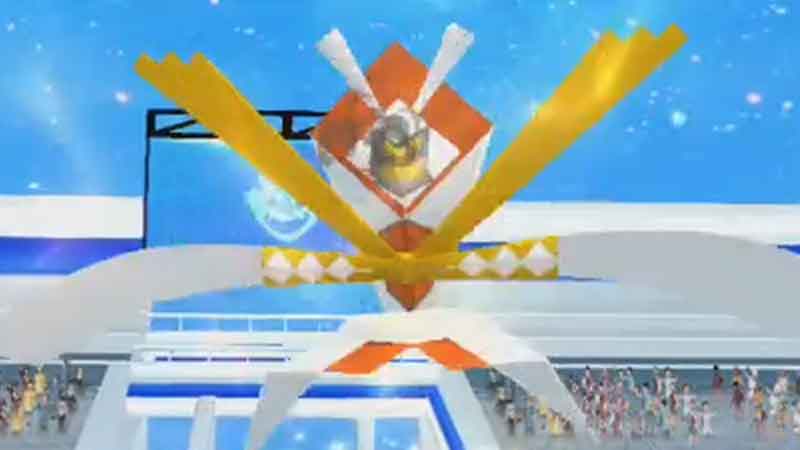
Every Trainer who joins the Gym in person gets an opportunity to invite 5 friends. They can invite more friends after a cooldown period of a few minutes. But only 10 remote players can join for now. Apart from that, you and your friends can create a Private Group in the Raid. So that system does not team you up with a random stranger. If you are aiming to join Raid remotely, make sure you have a Remote Raid Pass, which can be purchased from an in-game shop. Let us now learn the steps to join the friends Raid.
- Tell your friend to send an invitation for a Public or Private Raid. They will see the “Invite Friends” button on the right side of their Raid screen lobby.
- You will receive an in-game notification of the invite if you are using the app. But, if your app is open in the background or closed, you will receive a Push notification.
- Tap on that notification to join the Arena. You can also go to the Map view and then the Nearby window’s Raid tab.
- You will see an Invitation for active Raid that your fellow teammate or friend has sent.
- If it is EX-Raid, you can only have one invitation at a time. So, if you want to receive different friends EX-Raid invite, reject the current one or wait for it to expire.
This is all you need to do to join friends Raid battles in Pokemon GO. Check out these guides, if you are wondering how to win Mega Raid and how to join Private Raid.