
Rocket League Sideswipe is a car football game that has been created for Android and iOS. It is a multiplayer game that combines football and boosted race cars into a single action-packed title. While Rocket League Sideswipe is primarily developed for Android and iOS users, it is possible to download and play the game on a PC.
However, players will have to use an emulator to enjoy Rocket League Sideswipe on PC. Otherwise, players can get the original Rocket League game as it is compatible with Microsoft Windows, Macintosh operating systems, and Linux. Below, we have explained how players can download and play RLS on PC with BlueStacks.
How To Get Rocket League Sideswipe On PC?
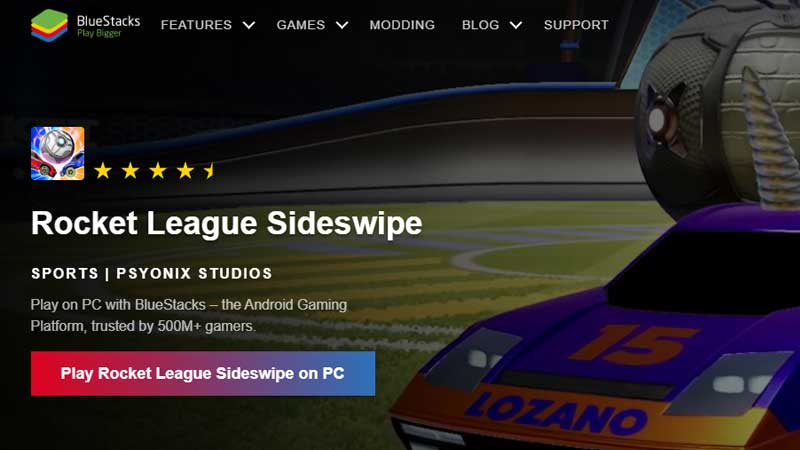
Since the game is specifically designed for Android or iOS devices, players will have to use an emulator if they want to download it for PC. Bluestacks is a great choice for this. It is quite a popular Android emulator and one of the few trustworthy ones. With the help of Bluestacks, players can run any Android game or app on their Mac or PC device.
However, players should be cautious about where they download Bluestacks from. There are a lot of sites that give links to alleged emulator downloads. Instead, these links often come with malware and viruses. This is why players should only use the official Bluestacks site to get the emulator. Now, let us see how players can get Rocket League Sideswipe on PC with Bluestacks by following the steps given below.
- Players must first install BlueStacks on their PC.
- Now, players must complete a Google sign-in to access the Play Store. They can also do it later but it is advised to do it now since it is a mandatory part of the process anyways.
- Search for Rocket League Sideswipe in the search bar at the top right corner.
- Click on Rocket League Sideswipe and select the option to install it. If players did not sign in earlier, they will have to complete their Google sign-in now.
- Now, players will be able to download Rocket League Sideswipe.
- Players can now start playing the game by clicking the game’s icon on the home screen.
That is all about how players can download Rocket League Sideswipe on PC. For more guides about the game, check out Rocket League Sideswipe: What Is Bonus Wins And How To Get It?