
Diablo 2: Resurrected is a remastered version of Diablo 2. It’s an action role-playing video game available on various platforms like Microsoft Windows, Nintendo Switch, PS 4, PS 5, Xbox One, Series X, and S. The game is full of items and weapons which are used to get kills. These items and weapons are of different types and are dropped during the loots in Diablo 2 Resurrected. No matter how many items you collect during the drops and loots they are of no use if you cannot identify them.
There are plenty of users who have been having trouble identifying items in Diablo 2 Resurrected and if that’s you then look no further as we have got you covered.
How To Identify Items In Diablo 2 Resurrected?
There are plenty of items that are divided into different types like rare, unique, magical, etc. All items you collect during loot or drops will be locked until you don’t identify them. There are only two ways in which you can identify items in the game — either use Scroll of Identify or use Deckard Cain.
To know how these methods work, keep reading this guide.
Method 1: Scroll of Identify
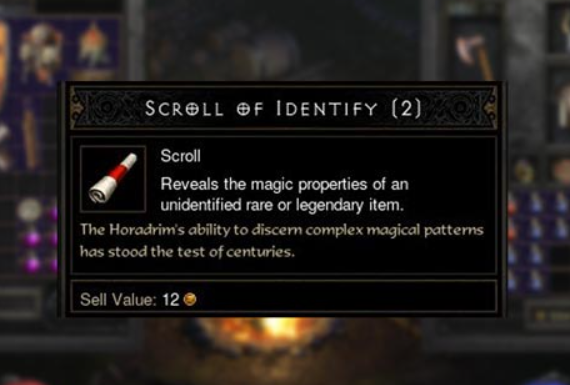
Scroll of Identify has been in the game since Diablo I is out. It is a magical consumable item that helps you identify items and unlock them. It has a magical spell that is capable of showing you the features of hidden items. There is a space for 20 Scroll’s in Tome of Identify that you can use to unlock different items in Diablo 2 Resurrected.
Follow the steps to identify items using Scroll Of Identify.
- First, purchase the Scroll Of Identity by trading.
- It will now appear in your inventory along with the unlocked items.
- Right-click on the item that you want to unlock. The cursor will now appear like a question mark.
- Drag your Scroll of Identify near the item that you want to identify and left-click on it.
- Your item will be identified and you can now have access to it.
Method 2: Deckard Cain
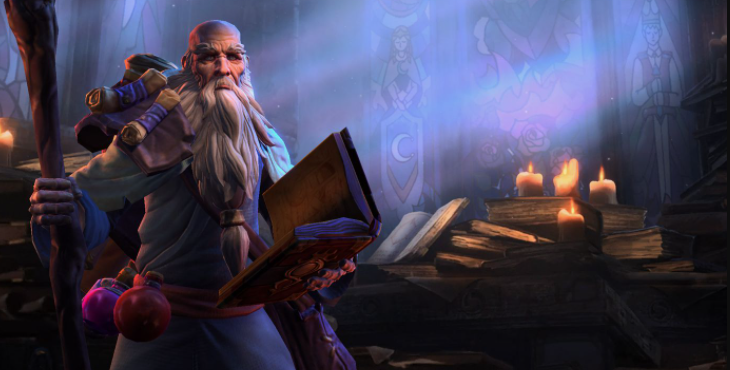
Deckard is an NPC in Diablo 2 Resurrected. You have to rescue it from the Search of Cain quest and he will help you identify all the items in your inventory for free in one go. If you haven’t rescued it during the quest, you can purchase it from Sisterhood of the Sightless Eye for 100 Golds per item and use it in the game.
This is everything one needs to know about how to identify items in Diablo 2 Resurrected. Check out another article on what does the chat gem activated message means in Diablo 2 Resurrected?