
Are you looking for JPG to PNG converter? If your answer is YES then you have come to the right place. There are plenty of videos and blogs available on the internet that explain the process of converting JPG images to PNG but all of them are quite difficult and lengthy. With that in mind, we have discovered a way that will convert your JPG image into PNG in only two seconds.
The best thing about our method is it does not ask you to download applications like Photoshop or PixeLab. If you use the method that we have mentioned here, you will be able to convert any JPG image to PNG on your phone and PC in two seconds. The reason why we have created this guide is there are tons of YouTubers who want to remove the background of BGMI, PUBG Mobile, and Free Fire logo and characters but they are having difficulty doing the same and if that’s you then look no further as we have got you covered.
Without any further ado, let’s take a look at the complete guide.
Remove.Bg: How To Convert JPG To PNG Or Remove Backgrounds From Images?
As we have mentioned above, numerous YouTubers upload videos of them playing Free Fire, PUBG Mobile, BGMI, and other games on the video streaming platforms. When they upload a video, they need the PNG file of the game’s logo, characters, and anything their videos are based on.
That’s when JPG to PNG converter comes in handy. There is no denying that the internet is full of JPG to PNG or PNG to JPG converters but all of them have a very tedious process. If you want to create a transparent logo or remove backgrounds from BGMI, PUBG Mobile and Free Fire logo then don’t worry, you can do the same by following the given steps:
- First, visit the remove.bg website. You can visit the site by clicking on this link.
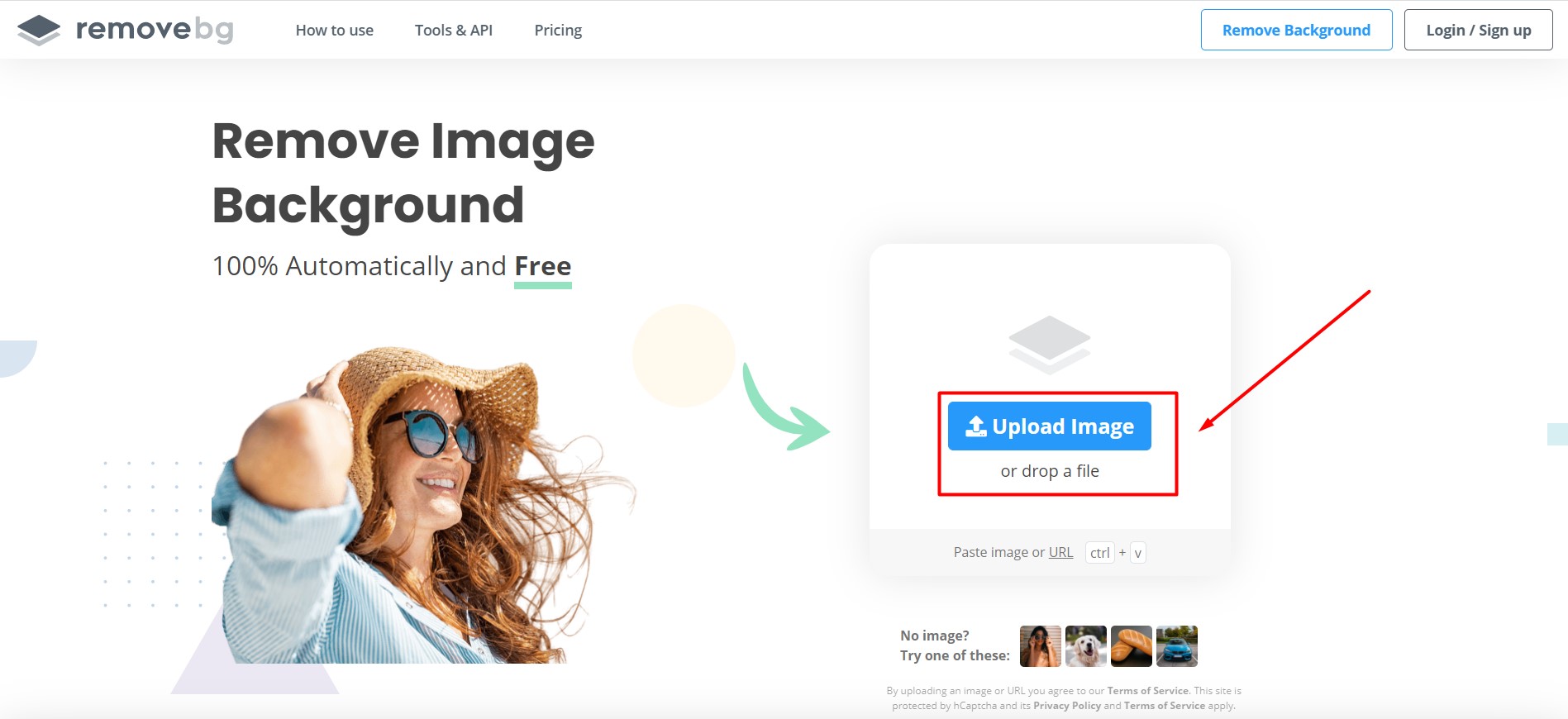
- Once on the website, you simply need to click on the ‘Upload Image’ button.
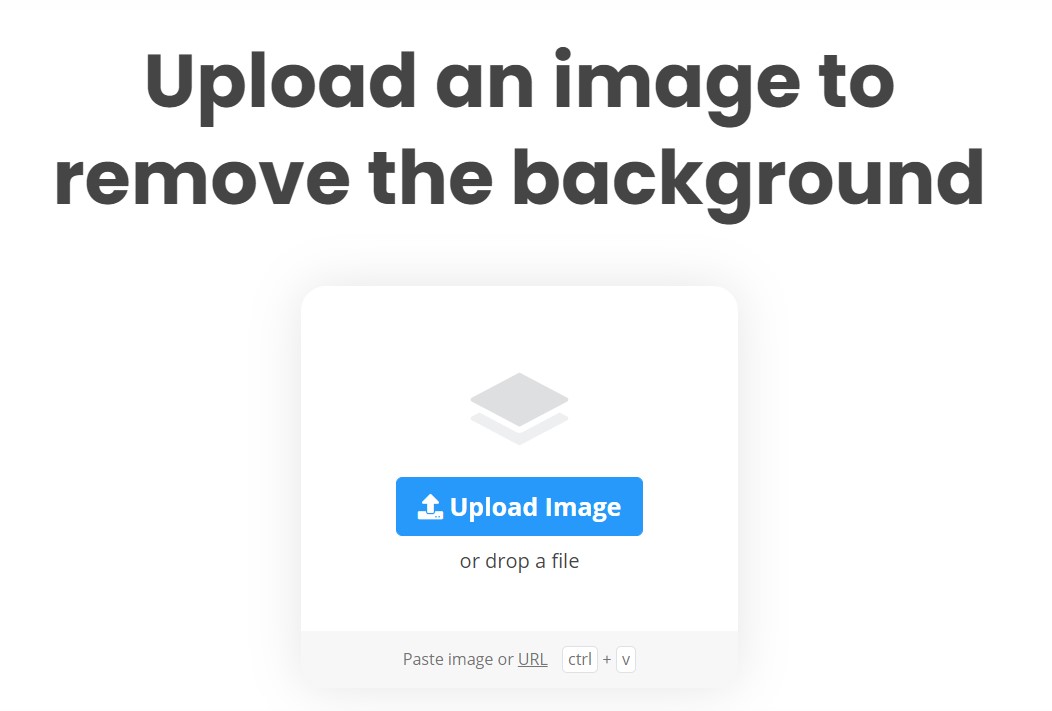
- When you click on it, you will be asked to Upload the JPG image that you want to be converted into PNG. Notably, you can paste the image or URL of the image as well by pressing Ctrl +V.
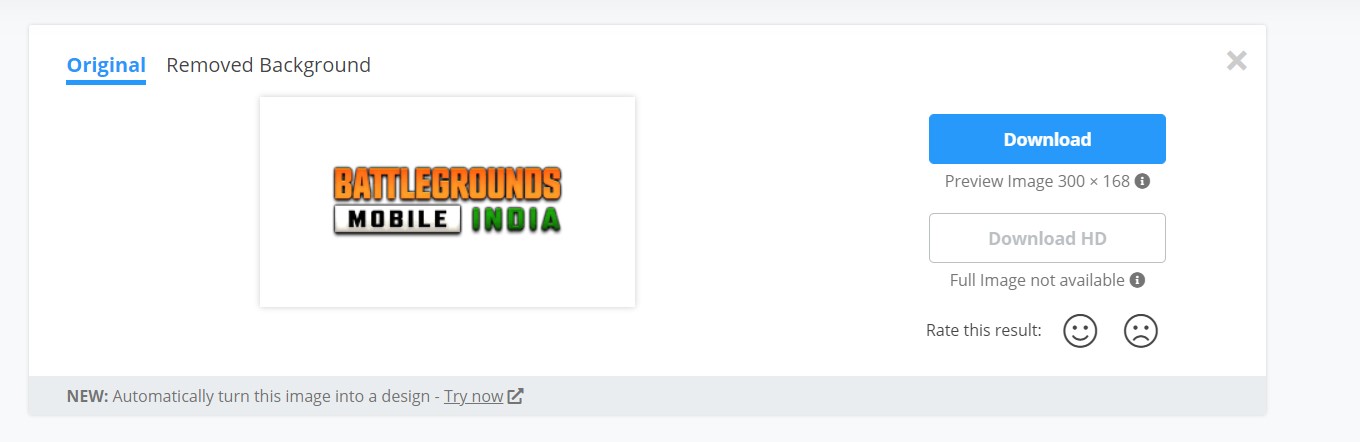
- When we upload an image, the website will convert it into a PNG file in two seconds. The above picture shows the Original image that we have uploaded to Remove.bg website.
- To see the converted image, click on the Removed Background option, located next to the Original.
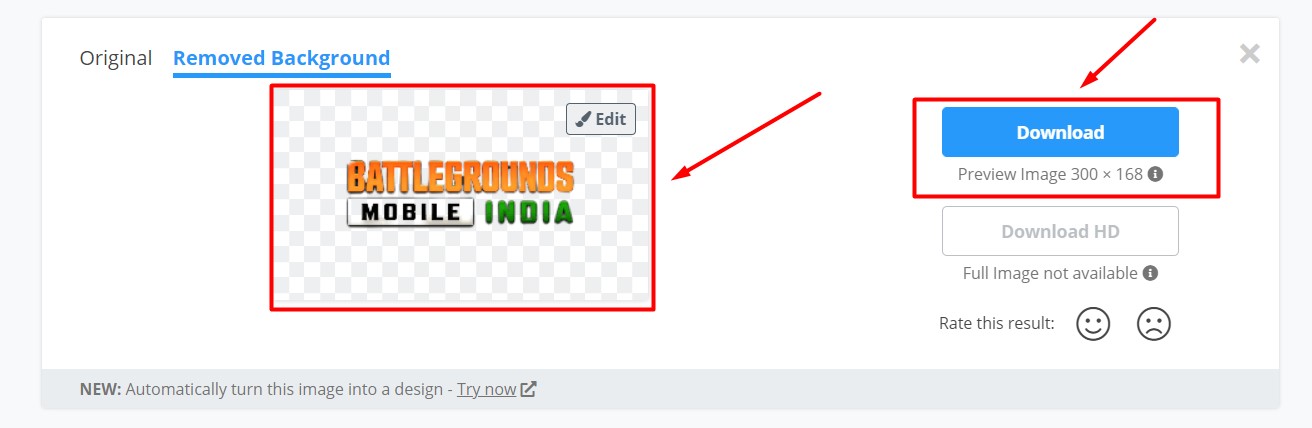
- Now, you can see the JPG image has been converted into a PNG file. If you want to download it, click on the Download button.
- That’s it.
Note: The process of converting JPG to PNG is the same for all images. What all you need to do is select the desired image and upload it on the remove.bg website. In less than two seconds, the website will convert the uploaded JPG file into PNG.