
While winning is the ultimate goal in all matches, sometimes you might find yourself caught in one that you just want to quit. There may be a number of reasons for this like wanting a different team or being in a bad position in the match. In such cases, it is possible for you to Surrender a match in Pokemon Unite.
Surrendering is a good option if you want to avoid the penalty for quitting the match early. Let us understand the Surrender option better in the article below.
How To Surrender A Match In Pokemon Unite?
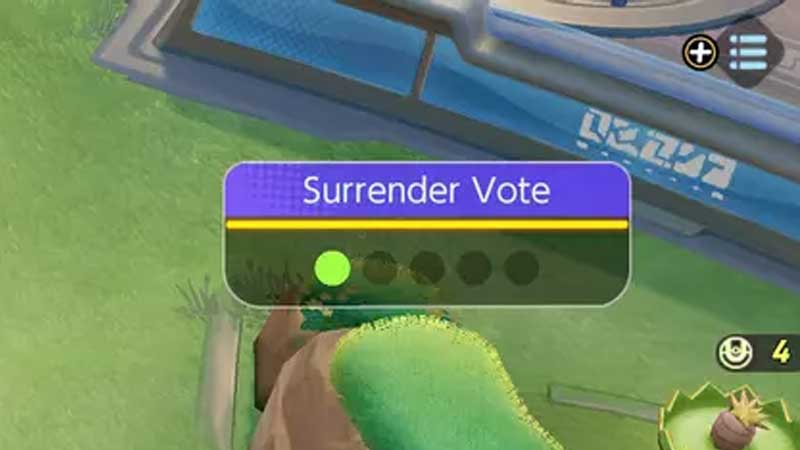
It is possible for you to Surrender a match in order to avoid penalties. However, to successfully Surrender a match a majority of your team must vote in favor of it. If there are not enough votes in favor of a Surrender, it will not go forward.
You can petition for a Surrender 3 times in a match. There is no cost of picking the Surrender option but it does have a cooldown period. You can use the Surrender option 300 seconds (5 minutes) after a match has started. If a Surrender vote does not conclude successfully, you will have to wait 90 seconds before you can opt to use the option again.
To use Surrender, you can follow the steps given below.
- After you have spent 5 minutes in the game, you can press the + button followed by the – button to bring up the Settings menu.
- There will be a Surrender option at the bottom of the screen. Click on it to initiate a Surrender vote. If a majority of your team votes for the Surrender, it will happen automatically.
That is all you need to know about the Surrender option and how to use it in Pokemon Unite. For more Pokemon Unite guides, check out the Pokemon Unite Free Rotation Guide.