
Uma Musume Pretty Derby is a Casual Simulation game where you have to participate in horse races. In the game, you have to draw characters and cards that will help you progress further. If you want to get good characters, you may have to try drawing multiple times. In this guide, we have covered how to Reroll in Uma Musume Pretty Derby.
It happens a lot of times that we don’t get the characters we wish to get in the roll. But that doesn’t mean you should not pursue it. You can go through this guide and learn more about rerolling the characters and push your luck a bit.
How to Reroll in Uma Musume Pretty Derby?
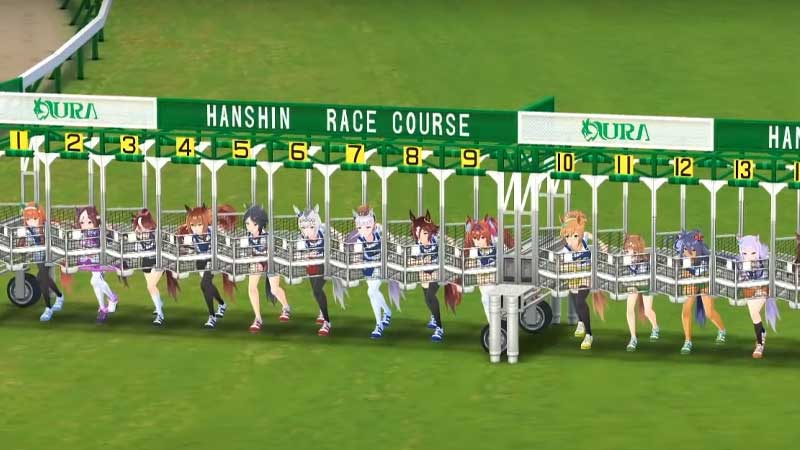
Usually, in such games, players get a free roll at the beginning of the game. This free roll will give the player a chance to get the best characters depending on the rarity. You can certainly draw more characters and support cards further in the game, but for that, you have to grind a lot. Instead, you can do a Reroll in Uma Musume Pretty Derby.
Below, we have mentioned the steps that will lead you to re-drawing characters in the game. Go through the steps and follow them.
- Go to the Main Screen of the game
- Press on the Building Icon at the bottom center
- Scroll to the bottom and select the Back To Title button (the last one on the right side)
- Once you have done that, Close the game
- Rerun the Game and before clicking on Start, Click on the Menu icon (Three horizontal bars)
- Choose the Last Option and click on the Green Button
- The green button will Delete Player Data
- You can now proceed to make the Reroll in the game
This is how you can Reroll in Uma Musume Pretty Derby. Hopefully, this guide was helpful to you. While you’re here, you can go ahead and browse through other similar articles such as Uma Musume Pretty Derby Tier List.