
Players have been very excited with the whole team or Social Club system in Harry Potter Magic Awakened. They can play with their friends or with other Potterhead’s around the world now. But sometimes you’d want to leave a social club in case you want to join a better one. With this article, we will teach you the most simple way to leave your team in HP Magic Awakened.
How to Leave Team or Club in Harry Potter Magic Awakened
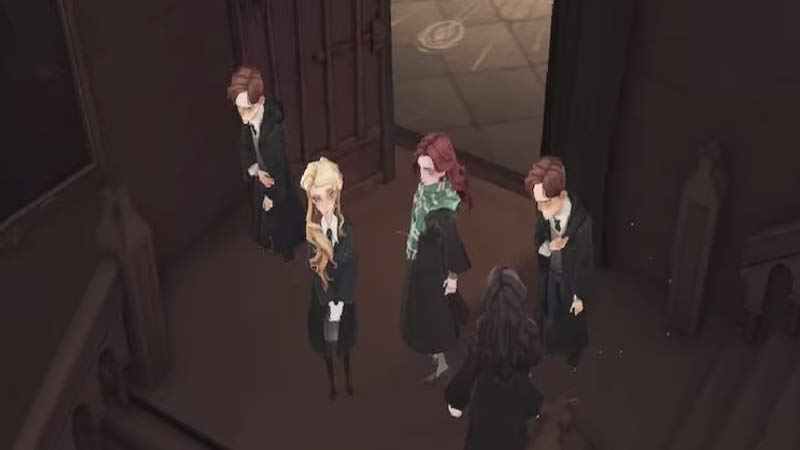
Follow these simple steps once you’ve made up your mind about leaving your existing team.
- Go to the Club panel.
- Tap on your Club’s name.
- Next to Edit & Stats tap on the Leave button.
- A confirmation message will appear, that will warn you of losing your Sapphire benefits if you leave.
- Press “Leave” if you are sure.
Remember, there is a 4-hour wait before you can join another club. Once you are ready to join another Social Club follow these steps to join it.
How to Join a Club in HP: Magic Awakened

These steps can be followed by the ones who have not been to any club yet. The ones who left a club will know how to join one.
- Finish the Harry Potter Magic Awakened tutorials.
- Then, learn how to use Assist Cards.
- You will be instructed to join a Social Club.
- Click or tap on the map on the top left of the screen.
- Tap on the Social Club option above Hogwarts Tower.
- You will be presented with various Social Club options.
- Select the one you wish to join and press Apply.
You can ask your friends to join the same club too, or you can experience the game with random teammates around the world. We hope this guide helped you in learning how to leave a team or join one in Harry Potter Magic Awakened. If you found this article useful you can also check out how to change the language in HP Magic Awakened.