
Dragon Ball Legends is a mobile action RPG game inspired by the popular anime Dragon Ball series. Players get to experience an original Dragon Ball story with this game accompanied by stunning visuals. One event that always has Dragon Ball Legends players excited is when Shenron arrives in the game accompanied by QR codes. Every year, the game celebrates its anniversary with the arrival of Shenron. Lasting for about a month, the event usually gives out rewards like Dragons balls and Chrono crystals. Excited to know how to scan the Dragon Ball Legends QR Codes and get amazing rewards? Read on below to find out more.
How To Scan Dragon Ball Legends QR Codes?
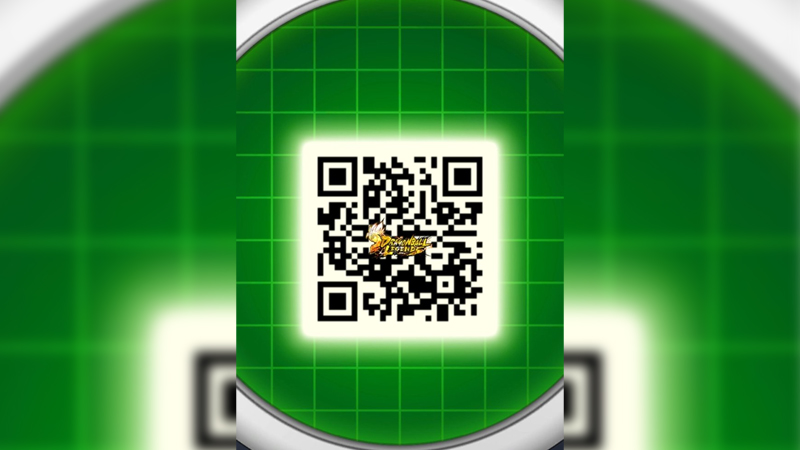
- It is quite simple to scan a QR code in the game. All players have to do is open the game and select the Menu option located towards the bottom of their screen.
- In the Menu bar, players will see a Scan option. Players need to select this option and then scan a friend’s QR code. This will grant players a random reward.
- It is possible to scan 3 QR codes per day.
- One thing that players should keep in mind is that they can only scan the QR code from a friend in their list. They won’t be able to scan random QR codes.
How To Find New QR Codes In DB Legends?
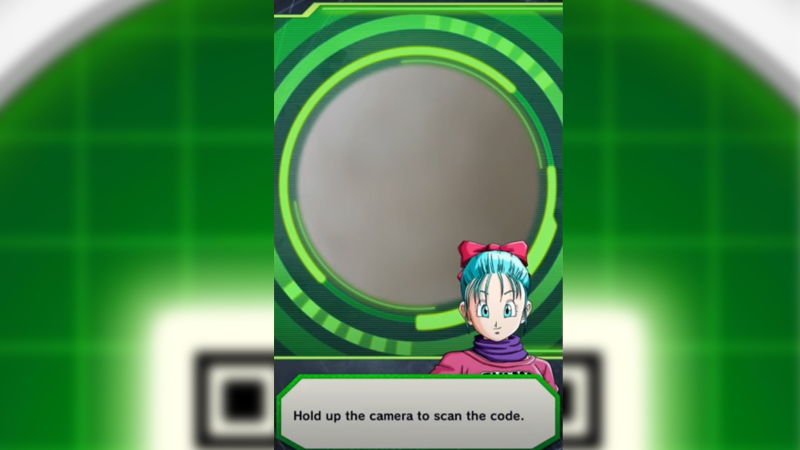
QR codes can only be scanned from other players on a player’s friend list. Players won’t be able to scan another player’s QR code if they are not friends in the game. If players want to scan their 3 QR codes per day, they will have to add some friends to their list. To find new friends to add, players can simply head to the Twitter page for Dragon Ball Legends or go to their Discord server. Here, players can find others willing to share their QR codes. Players can just add them to their friend list and ask them to share their QR code.
Conveniently, players can even scan codes from images on their phones now. This makes it quite easy for players to scan and redeem a QR code in DB Legends.
How To Generate QR Code?
If players wish to share their own QR code with other players, they can do so easily. All players need to do is click on the ‘Get Code’ option. This will show players their unique QR code. Players can share this with others to help them get rewards in the game.
That is everything players need to know about QR codes in Dragon Ball Legends. For more DB legends content, check out Dragon Ball Legends Redeem Codes.