
MultiVersus is a free-to-play crossover fighting game that looks to be a lot of fun. Players have the Multiverse at their disposal when they pick out their champions for the 2v2 matches. Everyone from Shaggy to Batman is available to pick in this fantasy matchup game. However, some players might have noticed that they are unable to access the online mode in the game. This is due to the fact that MultiVersus players have to be over 18 years of age to play the game online.
This is due to the ESRB rating of the game which restricts minors from online play. Players will be asked for their age when they start playing MultiVersus for the first time. It is the only time this option will appear. If players enter that they are underage, they will be stuck with a limited features game. That being said, there is a way to change age the age in MultiVersus. We do not recommend this method for underage players as they should stick to the game guidelines.
However, if players have accidentally entered the wrong age in MultiVersus, they can change it through the method given below.
How To Change Age In MultiVersus?
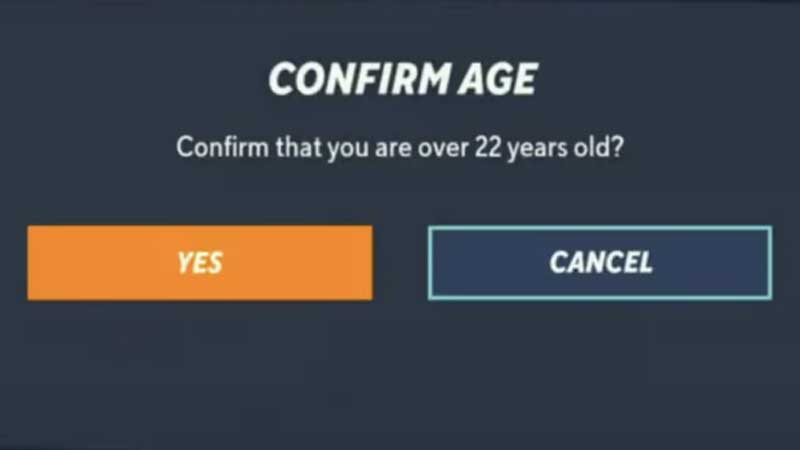
There is no option within the game to change the age once it has been entered. Players will have to use the workaround method explained below to change their age in MultiVersus. Let us take a look.
- First, players must search for “%appdata%” in the Windows search bar or in the Windows Explorer on the Users folder.
- Next, they must find the MultiVersus folder inside the App Data folder.
- Players should go to the Saved folder and delete the “SaveGames” folder.
- This will wipe out all MultiVersus progress for the players.
- Players should now relaunch the game through Steam.
- MultiVersus will ask players for their age again and they can change it to an appropriate one.
Since the game is still working out the kinks, we may see an easier option to change the age in MultiVersus in the future. Players need to be at least 13 years to access the game at all.
For more gaming guides, check out Clash Royale: What Is The Age Of The Princess?